

Organization and planning can make any event a success. Anyone running a company knows how many details need to be considered. Catering software helps simplify workflows and save time. There are various solutions that handle individual tasks or manage catering as a whole. Which features are actually useful, and which tools fit which business? Discover the possibilities and learn more about the latest offerings for 2026.
Table of Contents
Univents
At a Glance
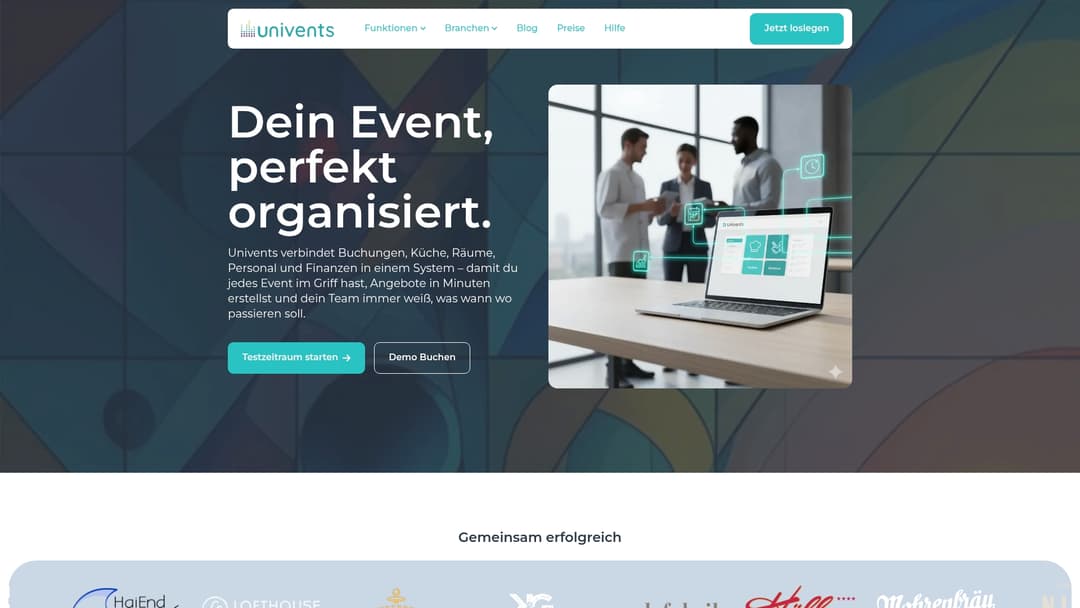
Univents connects bookings, kitchen, venues, staff, and finances in one system, making it possible to create quotes in minutes. The tool is clearly structured, user-friendly, and built for growth — designed specifically for event businesses and caterers.
Core Features
Univents centralizes bookings & inquiries, event planning, resource management, and kitchen and production planning in a single interface. It offers digital signatures, automated production lists, shift scheduling with time tracking, and automatic invoicing.
The platform delivers dashboards for revenue, utilization, and margins, along with multilingual templates and customer and partner portals. Integrations with accounting and POS systems round out the package.
Advantages
- Comprehensive features: Covers event management, kitchen, staff, and finances in a single system, eliminating the need for separate interfaces.
- Automated workflows: Automated notifications and production lists reduce repetitive tasks and sources of error.
- Centralized communication: Customer and partner portals allow online bookings and change requests in real time, minimizing back-and-forth queries.
- Integrations: Connections to accounting and POS systems enable clean data handoff and faster closings.
- Ease of use: An intuitive interface with templates and multilingual support makes rollout easier for international teams.
Who It's For
Univents is aimed at experienced event managers, caterers, event venues, and hotels looking for an integrated system solution. The tool is ideal for teams that plan multiple events in parallel and want to manage production processes centrally.
If you're dealing with growing order volumes, complex kitchen operations, and changing staff schedules, Univents is tailored precisely to your business model.
Unique Selling Point
Univents combines end-to-end automation with a focus on kitchen production and staff scheduling in a single tool. That's its strength: from booking to invoicing in one continuous data model, complemented by automated production lists, digital signatures, and real-time event tracking.
This interplay measurably reduces administrative effort and delivers full transparency over margins and utilization. That's why demanding operators choose Univents: no more siloed solutions, but a unified system that supports growth without added organizational complexity.
Practical Example
A caterer uses Univents to process inquiries, approve quotes with digital signatures, automatically generate production lists for the kitchen, and schedule staff including surcharges. Result: less coordination effort, fewer production errors, and faster invoicing compared to their previous Excel-based processes.
Pricing
Pricing is available on the website under "Pricing"; the offering is likely based on subscription tiers with possible add-ons. Smaller businesses should weigh the cost against the time saved through automation.
Website: https://univents.app
Bp Event by Bankettprofi
At a Glance
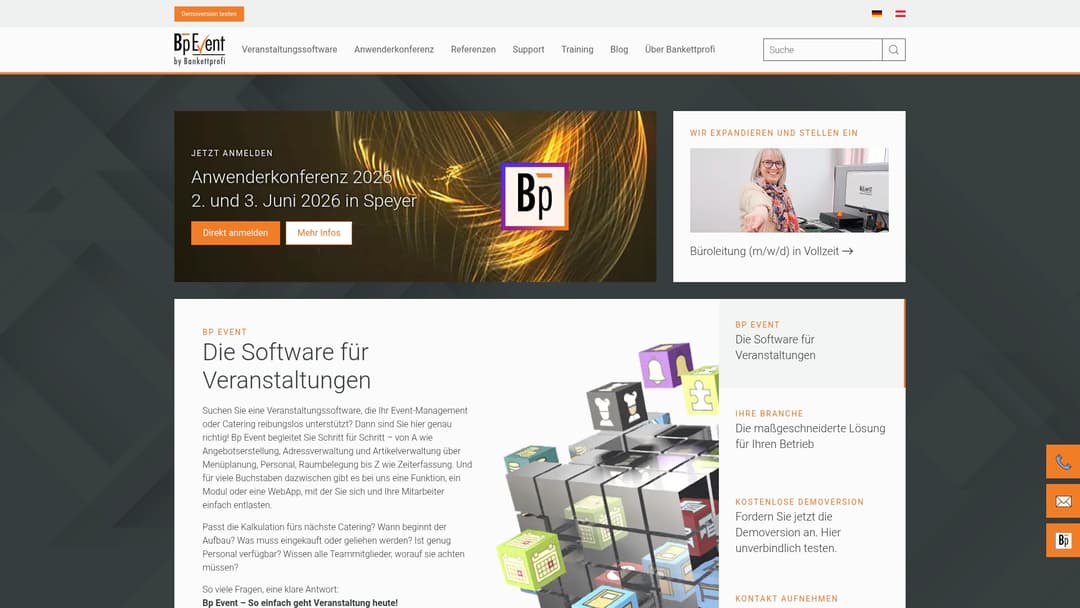
Bp Event is modular event software for the hospitality and events industry. The solution supports users with quote creation, menu planning, staff management, and time tracking, and offers local data control in Germany.
Quick takeaway: Try the demo to check the complexity and fit for your team.
Core Features
Bp Event offers quote creation, address and item management, menu planning, and staff and room scheduling in one system. Additional modules, interfaces, web apps, and an AI integration extend the functionality for larger operations.
Quick takeaway: Check in advance which modules you actually need to keep costs down.
Advantages
- Modular structure: The software can be expanded step by step and adapts to growing requirements.
- Combined ERP and CRM functions: Bookings, customer master data, and item management run centrally in one system.
- Local data control: Data storage in Germany offers advantages for compliance and data security.
- Industry versatility: Support for hotels, caterers, clinics, stadiums, and other venues makes Bp Event widely applicable.
- Personal support: German support teams provide guidance and individual onboarding.
Quick takeaway: Use the local support team to quickly resolve implementation questions.
Disadvantages
- System dependency: Users need Windows or Mac; it's not a pure cloud-only solution, which can limit remote access.
- Complexity for small businesses: Very small companies may find the range of features excessive.
- Unclear pricing information: Prices aren't disclosed openly, which makes budget planning more difficult.
Quick takeaway: Before purchasing, clarify technical requirements and total investment costs directly with the provider.
Who It's For
Bp Event is aimed at companies and organizations in the events and hospitality industry looking for a comprehensive, modularly expandable solution. The software is especially suited for hotels, event venues, and caterers handling multiple simultaneous events.
Quick takeaway: If you have multiple locations or complex production processes, it's worth evaluating Bp Event.
Unique Selling Point
Its strongest feature is the combination of local data control, modular structure, and integrated ERP-CRM functions. The ability to book modules selectively and receive German support services sets Bp Event apart from simple cloud tools.
Quick takeaway: For businesses that want control over their data, this package is especially attractive.
Practical Example
A hotel uses Bp Event to plan conferences and catering centrally. Staff, rooms, and menus are coordinated in a single interface, time tracking simplifies billing, and centralized data improves customer communication.
Quick takeaway: Start with the core event modules first and expand as needed.
Pricing
Pricing information isn't listed directly. Demo versions are available, and prices are provided on request. Interested parties need to contact the provider to receive a quote.
Quick takeaway: Request a demo and ask for a binding quote for your desired module combination.
Website: https://www.bankettprofi.de
GastroSmart
At a Glance
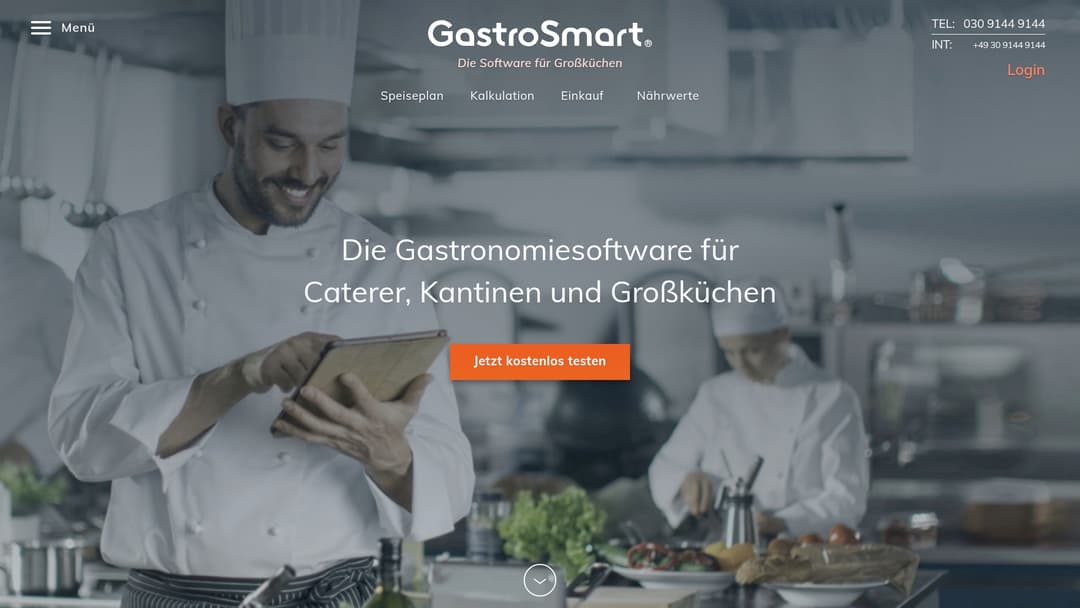
GastroSmart is aimed at large-scale kitchens and caterers, offering a modular platform for meal planning, purchasing, and recipe management. Overall, the solution is practical and reduces routine effort through cloud-based automation, though complex modules require some ramp-up time.
Core Features
GastroSmart combines a meal planner for calendar-based organization, a menu ordering system for customer orders, and calculation tools for cost of goods and contribution margins. The platform also offers cloud data management with security features and team collaboration across multiple locations.
The modular structure allows features to be combined as needed. This makes the system scalable for individual canteens as well as operators with multiple facilities.
Advantages
- User-friendly operation makes it easier for staff with a kitchen background to get started compared to traditional inventory management systems.
- Time savings in planning and purchasing come from automated order suggestions and centralized recipe management.
- Individually combinable modules let you license only the features you need, keeping the interface lean.
- Automatic allergen labeling reduces errors when serving food and increases legal certainty toward customers.
- Improved collaboration between branches and kitchen management is supported by centralized data and approval processes.
Disadvantages
- Training needs for complex features can initially tie up time and staff resources before full efficiency is reached.
- Pricing isn't public, which means budget planning is difficult before initial contact and quotes must be negotiated individually.
- Dependence on an internet connection for cloud features can affect operations in regions with unstable connectivity.
Who It's For
GastroSmart is aimed at kitchen managers, large-scale kitchen operators, and caterers managing multiple locations or high volumes. If you prioritize quality assurance, cost transparency, and central control, the modular solution fits well into your day-to-day operations.
In short: for single operations with very limited digitalization needs, the solution may be overkill.
Unique Selling Point
GastroSmart's strength lies in the combination of calendar-based meal planning, detailed recipe costing, and cross-location collaboration. This combination reduces manual coordination effort and delivers reliable figures for purchasing and controlling.
Practical Example
A school catering provider digitizes its meal plans, automates nutritional and allergen labeling, and consolidates orders for multiple schools and daycare centers. The result is less food waste, faster ordering cycles, and transparent costs per meal.
Pricing
Pricing and contract terms are individual and available on request. The licensing model is based on modules and the number of locations. Contact sales for a quote tailored to your number of menus and employees.
Website: https://www.gastro-smart.com
Menio
At a Glance
Menio provides an accessibility toolbar for websites that specifically helps users with visual, reading, or attention-related needs adjust content. For event planners and catering providers, Menio offers a practical addition for making booking pages and menus more inclusive.
Core Features
Menio provides the OneTap Accessibility Toolbar with adjustable font size, contrast options, and other visual aids for better readability. The system follows WCAG guidelines and allows tailored profiles for low vision, dyslexia, blindness, and epilepsy safety.
The solution also includes regular updates and feedback management, allowing adjustments to be made based on user needs. This combination makes it easier to implement recurring improvements systematically.
Advantages
-
Menio increases the accessibility of your website for different user groups, so more potential guests can actually read and understand your content.
-
Menio offers customizable profiles that let you save preset accessibility settings for specific target groups.
-
Menio is regularly updated and monitored, so you benefit from improvements long-term and detect issues faster.
-
Menio integrates feedback and support options that let your visitors report specific barriers.
Disadvantages
-
Menio relies on users actively using the toolbar, so integration alone doesn't guarantee that all visitors will make adjustments.
-
The effectiveness of individual features depends on the browser and device used, which can lead to varying user experiences.
-
Some features require technical adjustments to the website so they work reliably across all environments.
Who It's For
Menio is aimed at webmasters, organizations, and operators of event websites who want to improve digital accessibility. As an event planner or caterer, you benefit especially with reservation forms, digital menus, and event descriptions.
Unique Value Proposition
Menio combines WCAG-compliant tools with customizable user profiles and ongoing user feedback. This creates a practical solution for companies that actively address accessibility and want to make their online offerings accessible to all guests.
Practical Example
A retail portal implements Menio's toolbar so customers with visual impairments can adjust font size and contrast as needed. This scenario translates directly to catering websites, where guests can better read menu text and booking details.
Pricing
Pricing information isn't listed on the website. For specific terms, it's recommended to contact the provider directly to clarify implementation effort and licensing models.
Website: https://www.qnips.io
Läkkerai
At a Glance
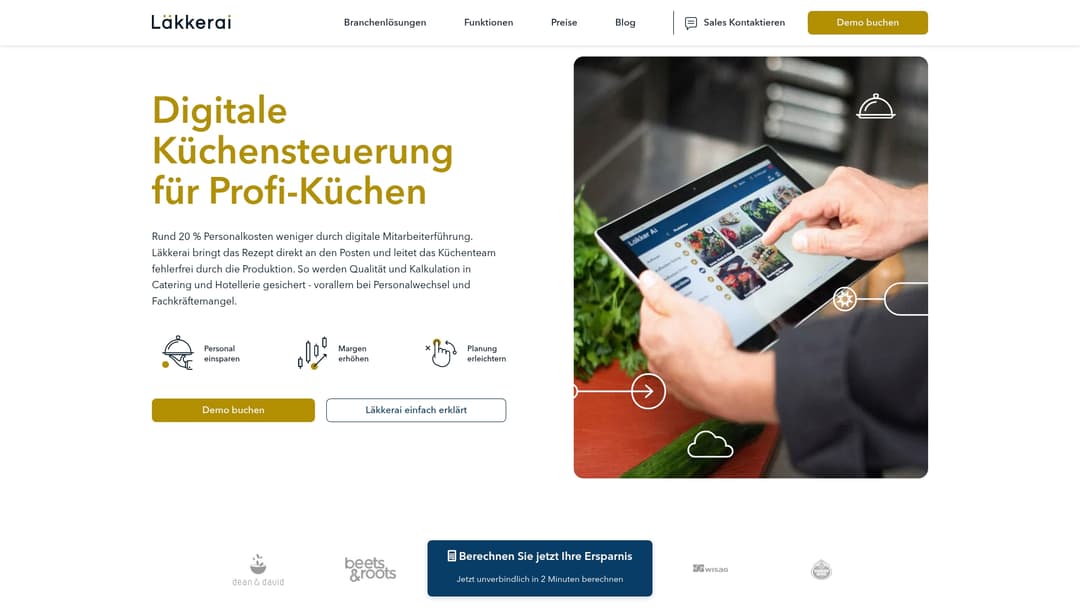
Läkkerai is specialized kitchen management software for professional kitchens with a strong focus on catering and hospitality. The solution digitizes workflows and reduces the burden of staff turnover and skilled-labor shortages.
Läkkerai is suitable for businesses that want to bundle production planning, staff deployment, and billing into a single application. Practical and focused. Clear in its direction.
Core Features
The software offers digital order handoff, optimized production planning, and a billing module for invoicing. It also includes modules for staff onboarding, station planning, and logistics planning.
All features aim to make production workflows visible and keep work instructions available directly at each station. This reduces queries and errors during hectic shifts.
Advantages
-
Improved efficiency and staff savings: Läkkerai standardizes workflows, reducing the need for on-site supervision and allowing staff to be deployed more purposefully.
-
Higher margins through optimized workflows: Clearer production plans reduce material losses and time spent, which has a positive effect on costing.
-
Easier planning and control in the kitchen: Digital handoffs and staff instructions ensure transparent responsibilities and less coordination effort.
-
Support with staff turnover and skilled-labor shortages: Training and onboarding features help new employees get up to speed faster.
-
A wide range of features for every process step: From ordering to billing, the system covers multiple stages of kitchen logistics and reduces the need for separate tools.
Disadvantages
-
Unclear presentation of potential drawbacks: The website doesn't list detailed weaknesses, which makes comparisons harder and leaves questions open.
-
Pricing available on request only: Specific prices aren't listed publicly, making a cost estimate impossible before making contact.
-
Limited information on integrations: There's a lack of clear details on connecting to existing inventory management or POS systems, which matters in heterogeneous IT environments.
Who It's For
Läkkerai explicitly targets kitchen managers, food service managers, and owners of catering or hospitality businesses. The software is especially useful for teams that want to digitize production workflows and make staff deployment more predictable.
Small to mid-sized catering companies and large-scale hotel kitchens benefit the most. The solution is less relevant for businesses without a basic digital infrastructure.
Unique Selling Point
Läkkerai's central promise is digital kitchen management as a complete package — from handoff to production planning to billing. This tight focus on the kitchen makes processes visible and repeatable.
Its strength lies in combining station-level staff management with logistics planning and billing in a single system.
Practical Example
A catering business used Läkkerai for production planning and staff instruction, reducing labor costs by roughly 20% while simultaneously improving quality assurance. The business reported clearer workflows and fewer errors during handoffs.
Pricing
Prices aren't listed directly on the website and are communicated through the provider. Interested parties need to request terms to receive an individual quote.
Website: https://www.laekkerai.com
FoodNotify
At a Glance
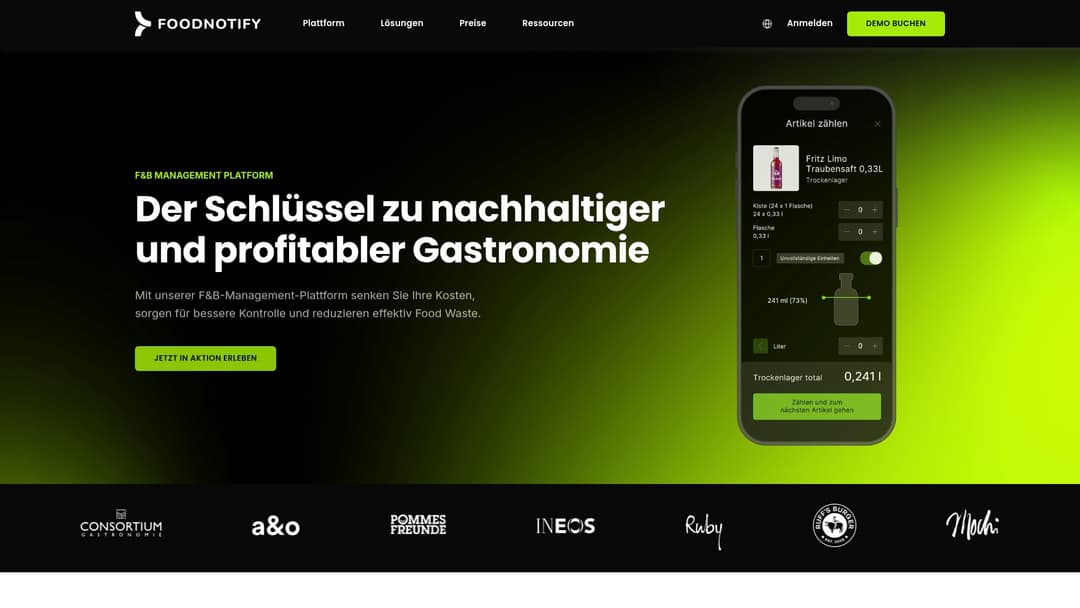
FoodNotify is an F&B management platform that centralizes ordering, stocktaking, and inventory management for hospitality businesses. The solution focuses on control, efficiency, and reducing food waste, with a companion app for on-site teams.
Core Features
The software offers management of orders, stocktaking, and inventory, a central platform for operational workflows, and an app for mobile work. FoodNotify also supports food waste reduction and offers extensions for integrating with suppliers, POS systems, and accounts payable.
Advantages
-
User-friendly interface: The interface is designed intuitively, so staff can start working with the platform quickly.
-
Suitable for multiple locations: The software maps multiple operations centrally and makes cross-location management easier.
-
Supports sustainable operations: Food waste management features help reduce waste and make costs visible.
-
Time savings through digital processes: Standardized workflows and mobile data capture reduce manual work steps.
-
Proven references: Existing customers provide evidence of stability and practical suitability in professional operations.
Disadvantages
-
Unclear integration effort: Reports on the potential effort required for integrations aren't evident in the available data.
-
No transparent pricing structure: Pricing information isn't shown openly on the website and must be requested.
-
Limited cost assessment: Without detailed pricing, an economic evaluation is difficult before making an inquiry.
Who It's For
FoodNotify is aimed at hospitality businesses that want to digitally manage procurement, inventory, and recipes and place value on control. Chains, hotels, caterers, and delivery services benefit especially when multiple locations need to be managed centrally.
Unique Value
The clearest advantage lies in the combination of inventory management, order control, and precise documentation of all workflows. This combination makes FoodNotify a platform that creates operational transparency while also enabling measures against food waste.
Practical Example
A restaurant uses FoodNotify to monitor inventory levels in real time and automatically send orders to suppliers. Teams document consumption via the mobile app, reducing over-ordering and making kitchen planning more accurate.
Price
Price on request is the model offered. Final pricing is individual and adjusted to business size and integration needs. Costs must therefore be requested directly from the provider before making a decision.
Website: https://www.foodnotify.com
Comparison of Tools for Event and Catering Businesses
Below you'll find a comprehensive overview table comparing the key features, advantages, disadvantages, and pricing information of the products listed.
| Product Name | Features | Advantages | Disadvantages | Pricing |
|---|---|---|---|---|
| Univents | Booking, event planning, kitchen production, staff scheduling, finances Automated invoicing |
User-friendly, integrations Centralized communication |
Terms of use information missing | Price on request via Univents website |
| Bp Event | Quote creation, menu planning, address management ERP and CRM functions |
Modular structure Local data control in Germany |
Technical requirements needed Unclear pricing information |
Prices on request only |
| GastroSmart | Meal planning, purchasing, recipe management Collaboration across multiple locations |
Customizable modules User-friendly handling |
Internet connection required Prices not disclosed |
Pricing model on request |
| Menio | WCAG-compliant accessibility tools Accessibility toolbar |
Promotes digital inclusivity Customizable profiles |
Complexity in use Feature dependency on devices |
Price available on individual request |
| Läkkerai | Complete solution for kitchen management Integration of logistics, staff, and billing |
Increased efficiency Easier onboarding of new employees |
Limited integration descriptions Unclear pricing structure |
Costs on request |
| FoodNotify | Inventory management, orders, stocktaking App for mobile work |
Sustainability features Time savings through digitalization |
Pricing information missing Complexity for small businesses |
Customizable pricing available through provider |
Discover Efficient Catering Software and Revolutionize Your Event Management
The growing demands on catering companies and event service providers call for a software solution that seamlessly unites booking, kitchen planning, staff management, and finances. The problem described in this article — siloed solutions and manual processes — costs time and increases the potential for errors. This is exactly where Univents comes in, offering a central platform that integrates automation, real-time tracking, and digital signatures to make your operations efficient and transparent.
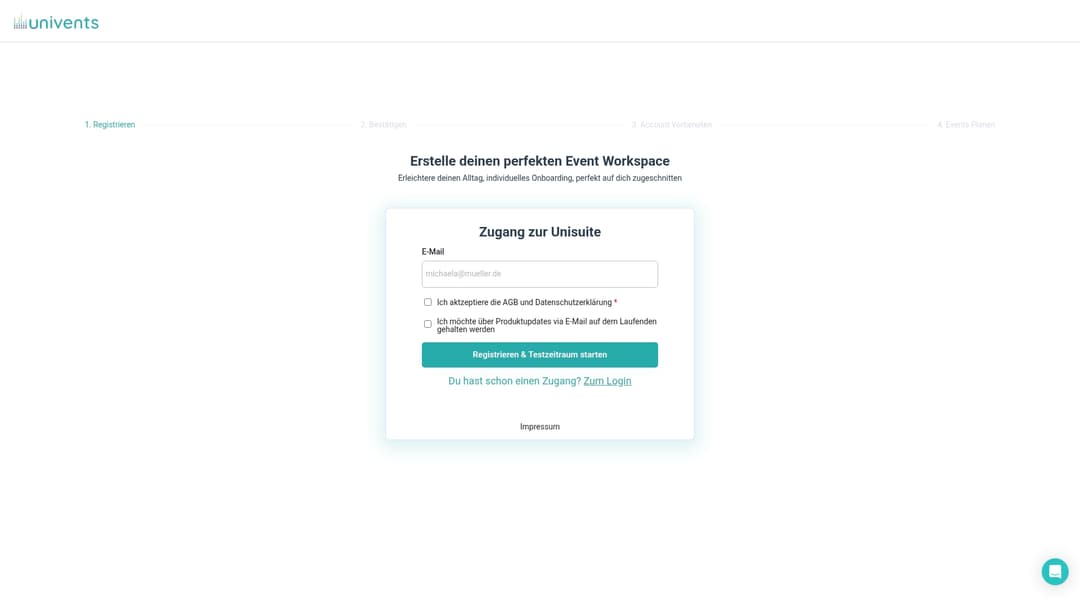
Choose a solution built specifically for growth-oriented event and catering businesses. See how easy it is to create quotes and production plans in just a few minutes. See for yourself and get started with Univents. Optimize your processes now and secure a competitive edge in the fiercely competitive events industry.
Frequently Asked Questions
What are the most important features of catering software for companies?
The most important features of catering software include quote creation, menu planning, staff management, and inventory management. Make sure the software also supports automation for recurring processes to save time and minimize errors.
How can catering software increase efficiency in my business?
Catering software increases efficiency by automating and centralizing processes. Try the software in a demo to see how quickly you can save time and resources.
What factors should I consider when choosing catering software?
Important factors include usability, adaptability, functionality, and pricing. Create a list of your requirements to easily compare suitable software and simplify your decision-making.
How long does it take to implement new catering software?
Implementation time can vary depending on the software, but typically ranges from a few weeks to several months. Allow enough time to integrate the software optimally into your business and to train your staff.
Are there training options for new users of the catering software?
Yes, most providers offer training and support for new users. Take advantage of these offerings to ensure your team can use the software effectively and understand its features.
How can I best calculate the costs of catering software?
To calculate the costs, you should consider all applicable fees, subscription models, and any additional modules. Create a concrete budget and compare different offerings to determine the ideal costs for your business.
Recommended Reading
- 8 Best Catering Services Software Solutions for 2025
- Catering Trends 2026: Innovations for Successful Events
- Digital Solutions for Event Catering – Comparison 2025
- Digitizing Catering – Moving Beyond Excel & WhatsApp
- Hotel and Restaurant Business Optimization — Wits End
See how Univents works specifically for your industry – with all features, examples and pricing at a glance.
Catering Software