

Your AI assistant for every event
Voice memo, connected inbox or chat – Univents understands what you mean and prepares everything. You approve, the AI does the rest.
7-day free trial · no credit card · live in minutes
- Wedding · 120 pax€9,996Quote
- Corporate event · 60 pax€1,726confirmed
Just say it. Univents does the rest.
A voice memo, a mail in your inbox or chat – see what the AI makes of it.
“Müller wedding, 120 guests, June 14, in the ballroom, buffet with flying dinner.”
Event created
- Müller wedding · 120 guests
- 14 Jun · ballroom · buffet + flying dinner
- Quote drafted automatically
Illustrative. You stay in control and approve before anything goes out.
Three ways AI saves you time
From first word to finished document – the AI works in the background while you focus on what matters.
From idea to finished event in seconds
Just speak: date, guest count, requests. Univents creates a complete event draft with timeline, tasks and a quote basis.
No inquiry falls through the cracks
The AI automatically spots enquiries in your connected inbox, pulls out the details and lays everything out for you, structured.
You stay in control – AI proposes, you approve
No document is ever sent without your approval. The AI acts as intelligent preparation; every decision stays with you.
AI assistant: answering your questions and handling tasks directly
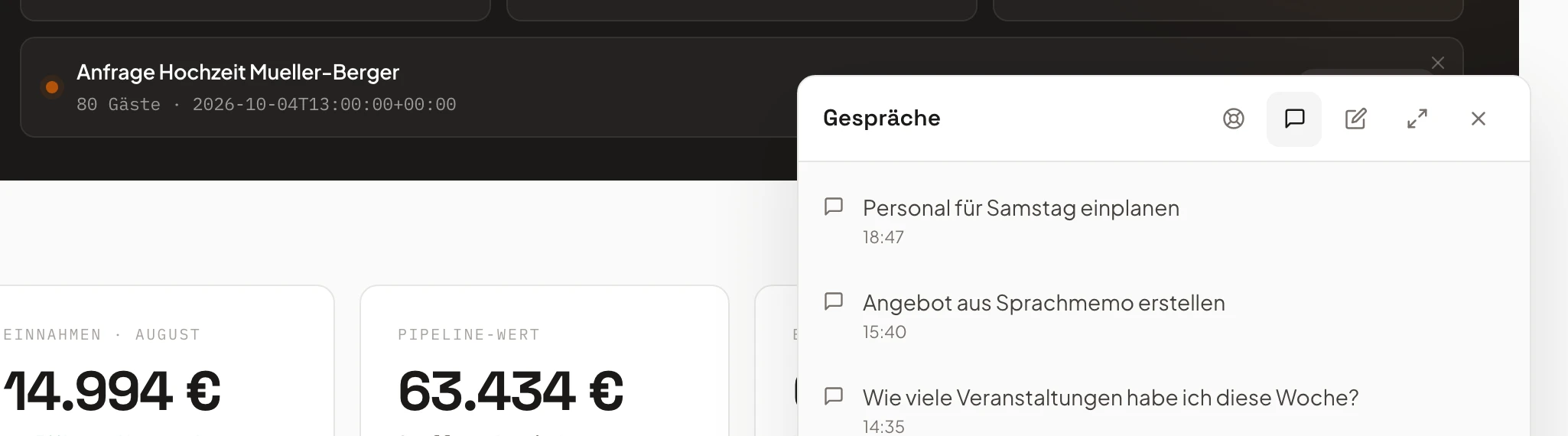
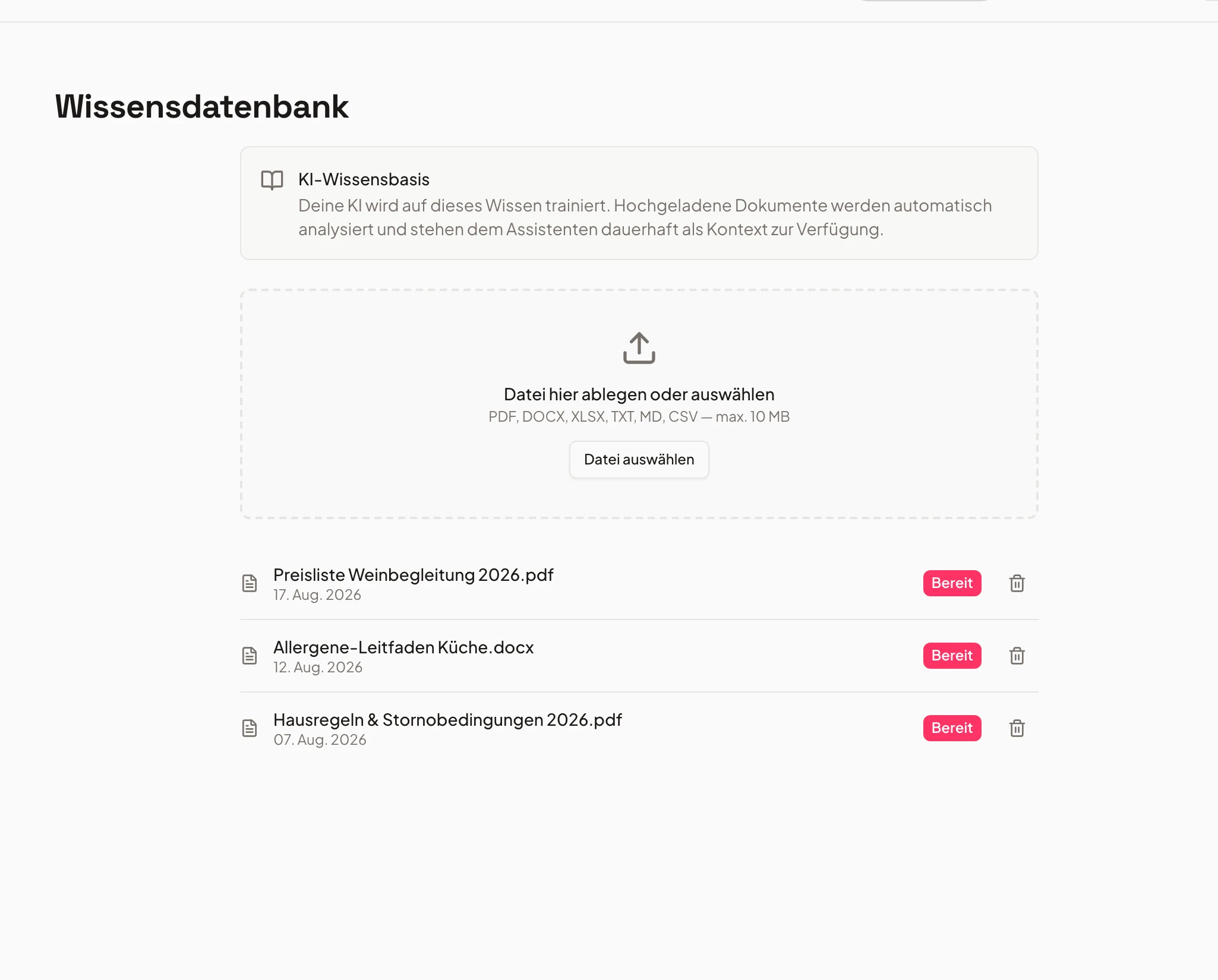
The AI assistant sits in several places throughout the tool — creating a quote from an email, creating an event from a quote, planning out an entire event — and it’s reachable from every page via the sparkle button. You’ll see how to ask it questions about your own data, like a month’s revenue, and how it takes on complete tasks: dictating a schedule in free text, including a confirmation check before it creates anything. Plus the costs — product questions are free on every plan, tasks involving your own data cost a few cents from a dedicated credit balance — and how you top up that balance or set it to refill automatically.
Chapters
Show transcript
Another really important part of Univents that can save you a huge amount of time and effort is our AI assistant. You’ll find it right here, under this nice little button with the sparkle icon, and it can operate the entire tool for you from start to finish. We already touched on this briefly in another video: you can use the AI to create quotes directly from emails. But you can also have it create the matching event straight from a quote, and inside the event itself you can have it plan the whole thing out from a quote – meaning the information about the schedule, possible shifts, tasks and so on gets pulled out by the AI and inserted directly into the event. You can also ask the assistant all kinds of questions. So we can go in here and ask, for example: what does our revenue for August look like? You can also attach files, choose whether to use a simple model or a more complex one that can think for longer, and there’s also voice input here, so you can send the message that way too. Here we see that we’ve received our revenue report for August right away. Wonderful. And of course we can not only ask the AI assistant questions, we can also have it carry out all kinds of tasks. For example, we can go in and say: please set up a schedule for this event. Setup starts at 6pm, then the reception runs from 7 to 7:30pm, followed by the first speeches, and please pull the remaining items from the quote and the event as needed, however works best for the event. So we’ve given it some guidance on what to do, but also left it some room to pull data from the event itself and expand on it. So, here we see the AI assistant preparing everything, and then it asks us again whether this looks right. We can say: yes, that’s fine. And then it creates the schedule for us with the matching items. You can of course also dictate longer things straight into it, which saves you a lot of clicking – especially when it’s really custom plans or similar. Otherwise it also works well if you bring in templates along with it. So here we can see it directly: our schedule is right here, team retreat, Stelzer, everything’s in there – setup, reception, opening speeches, exactly as we wanted it. If there’s ever something the AI assistant genuinely can’t answer, you can hand that over to us too – we can then help you directly. That means you can ask us questions about your data as well as have us take on tasks. Or you can also just ask this assistant very specific product questions. It can also navigate you to the relevant parts of the product, so you find your way around Univents quickly. Here’s how it works: product-specific questions are included in every plan, and they’re never billed. If you ask questions related to your revenue, your data or similar, or have the AI assistant carry out tasks, that costs a few cents per task. Here we can see, for example, in the logs what we just had it do – that was just 4 cents for the AI assistant to set up those schedules for us. We also have the option to top up our credit balance here. Depending on how much you top up, you also get a small discount on top, or a small credit bonus on top. And there’s also the option to have it top up automatically.
Voice memo → finished event
Just speak it, get a complete event draft.
Record a short voice message – date, location, guest count, special requests. Univents transcribes it, extracts all key details and presents you with a complete event draft to approve.
No forms, no typing. The AI understands natural language and fills in all the relevant fields itself.
- Voice input usable in any situation
- Complete event draft in under a minute
- You review and approve – nothing is saved automatically
- 1Timeline built
- 2Tasks assigned
- 3Approved
Connect your inbox, understand enquiries
Connect your mailbox – the AI reads enquiries and prepares quotes and replies.
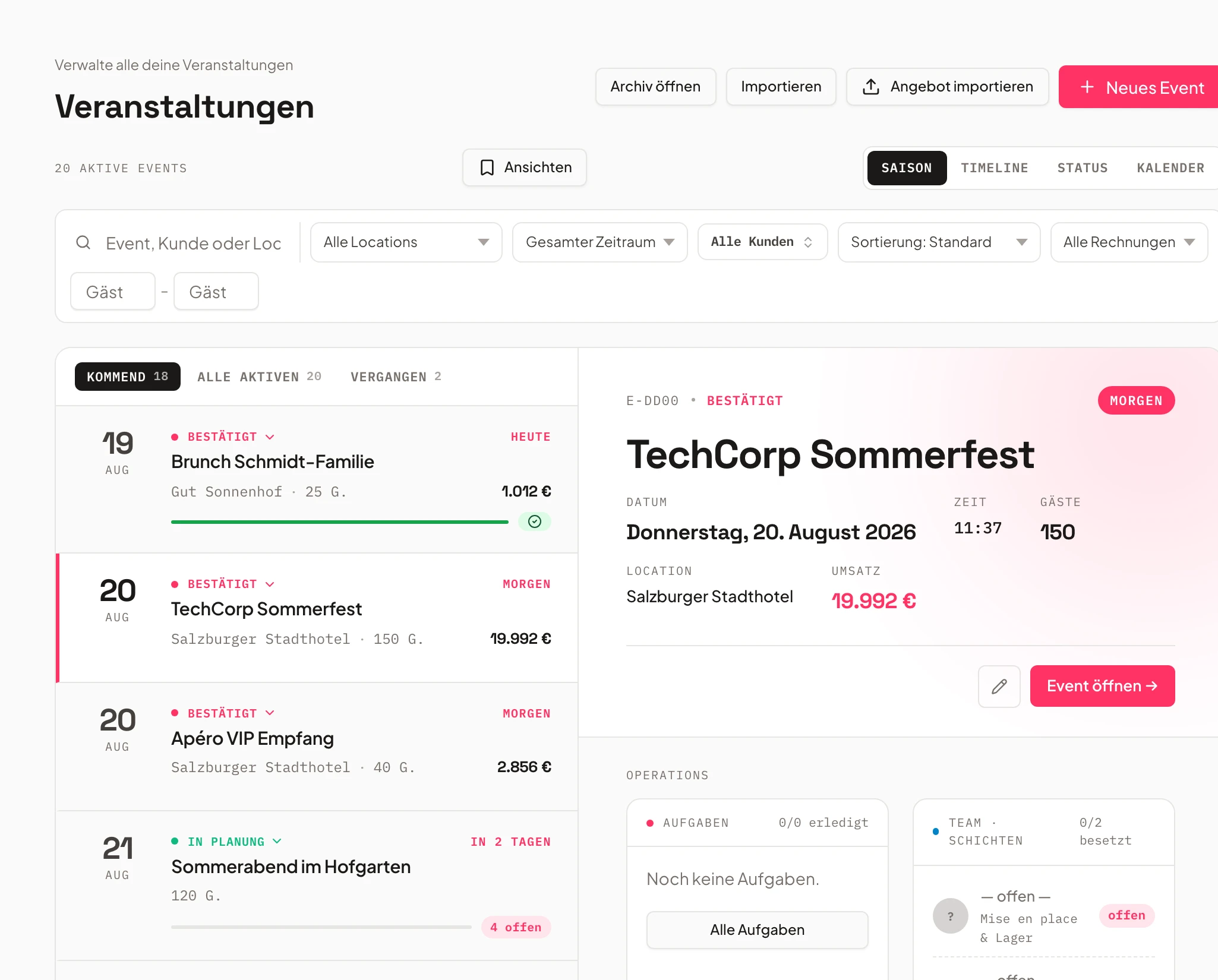
Enquiries land in your Univents inbox. The AI detects event type, date, guest count and special requests, summarises, prioritises and drafts a ready quote plus reply suggestion – straight from the inbox.
Important enquiries don't slip through. You review and approve – sending stays with you.
- Connect mailbox, detect enquiries automatically
- Summary, prioritisation, reply suggestions
- Quote draft straight from the inbox
Just say what should happen
Multi-step jobs by chat – the AI carries them out.
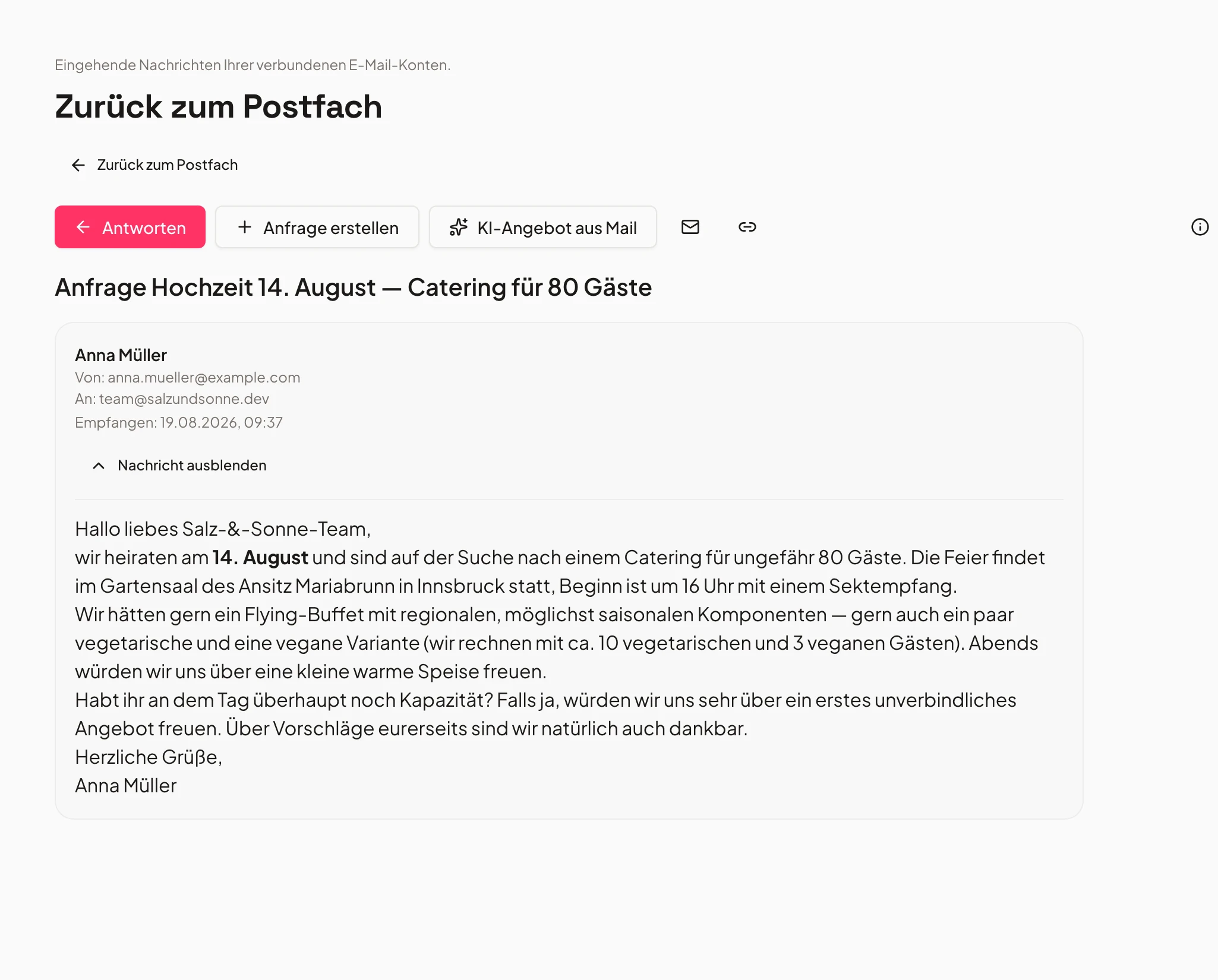
Say “schedule everyone free for Saturday” or “turn the quote into a full event plan” – the AI understands the job, plans the steps and creates everything, cross-linked in the system.
Even busywork in one command: “create these 10 recipes for me” – done, always with your confirmation.
- Schedule staff automatically
- Quote → complete event plan
- Batch tasks in one command
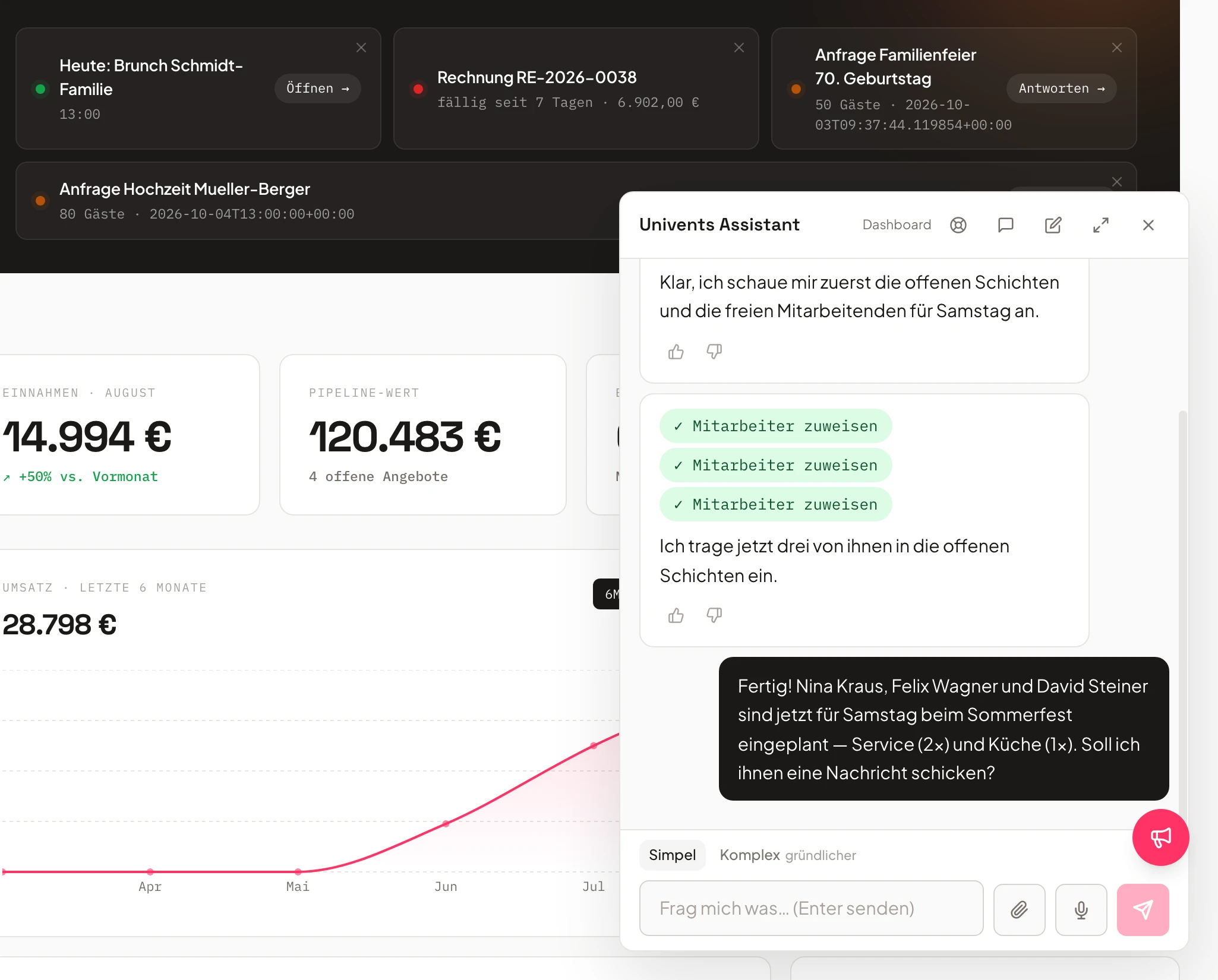
- Service Saturday3 open
- Kitchen Fridayfilled
- Setup & teardownconfirmed
Trained on your data
Ask for numbers, get reports.
The AI knows your account – events, revenue, contacts, documents. Ask “how was revenue in May?” and get the report, based on your real data.
The more you use it, the better it knows your business – always in your account, GDPR-compliant.
- Reports on demand
- Answers from your real data
- Data stays in your account
AI chat on your booking page
Your customers describe their event – the AI puts the quote together.
Instead of a rigid form, the chat guides customers through the inquiry: occasion, guest count, wishes. At the end there is a proposed quote that you review and approve in the back office.
Try it yourself: the example shop runs live, and nothing is sent or saved.
- Questions about menu, guests and date in conversation
- The proposed quote reaches you as a draft
- You approve – nothing goes out without you
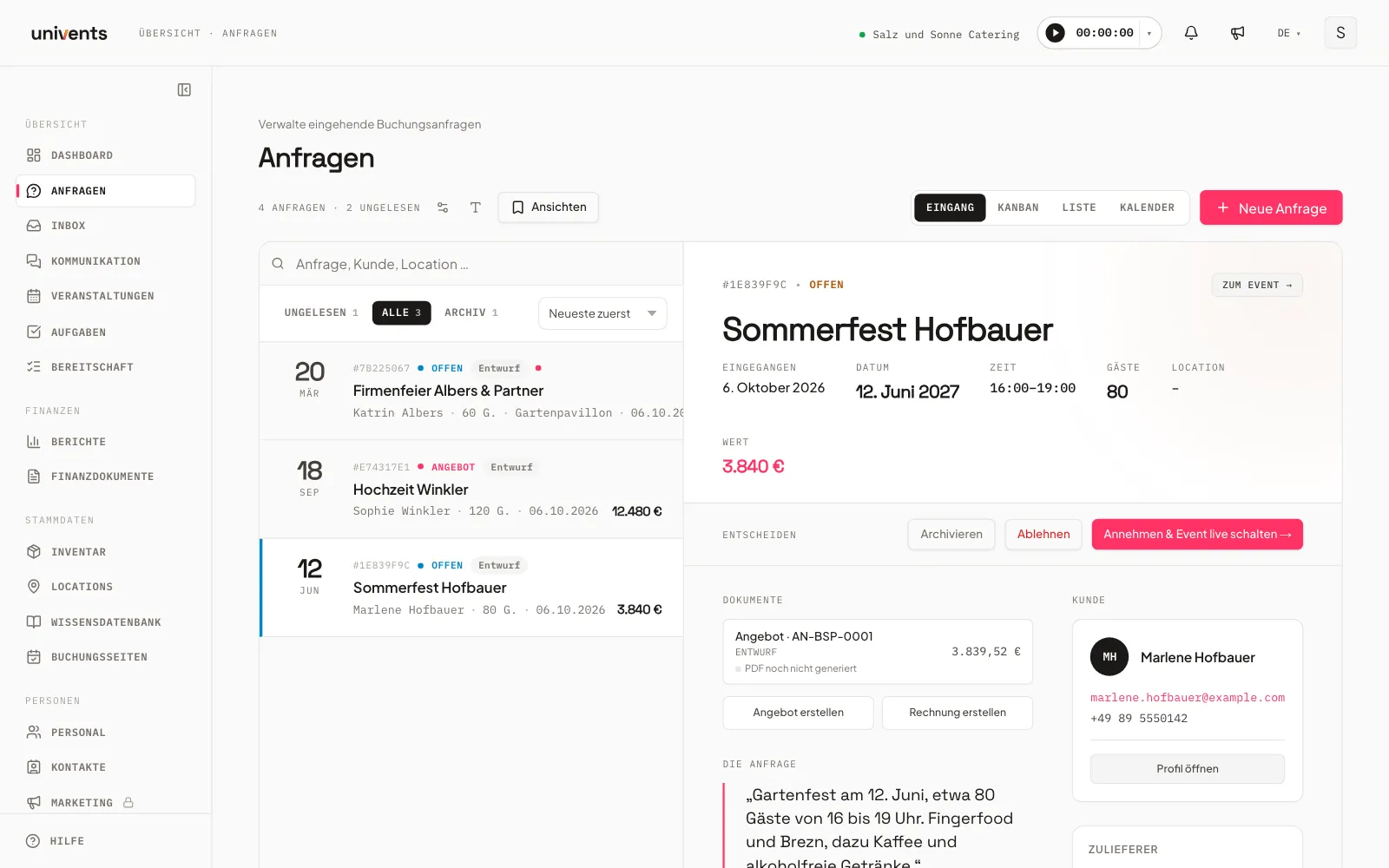
- Guests
- 80
- Date
- June 12
- Total
- €3,840
How you work today – and how it could be
No replacement, no automation. The AI prepares, you decide.
Without AI assistant
- Manually typing inquiries into Univents
- Building quotes by hand from an email
- Going through the inbox manually, handling each inquiry one by one
- Searching and clicking through the tool to find information
- No overview when multiple inquiries come in at once
With the AI assistant
- Voice memo or a mail in the inbox – Univents fills everything in
- AI reads the email, creates the quote draft, you approve
- Inbox prioritised and summarised, response suggestions ready
- Chat assistant answers questions directly from your data
- AI recognises priorities and suggests next steps
Frequently asked questions
Does the AI automatically send quotes or emails on my behalf?
No. The AI prepares drafts – quotes, replies, event entries – but no document or email is sent or saved without your explicit approval. You are always in control.
What data does the AI use to make suggestions?
The AI only accesses data within your Univents account: your events, inquiries, contacts, documents and products. No data is shared with other customers or used to train external models.
Does the voice memo feature work with fast or unclear speech?
The voice recognition is robust and handles normal speaking pace and common accents well. If individual fields are unclear they are flagged for manual review – you always see what was captured.
What happens if an email is not an event inquiry?
The AI classifies incoming messages and detects whether they contain an event inquiry. Messages without a clear inquiry context are not processed automatically and land normally in your inbox.
Can the chat assistant delete things or change data?
The chat assistant can prepare actions such as creating or editing entries, but no destructive actions like deletion are carried out without an explicit confirmation from you. Every action is traceable.
Ready to get started?
Try Univents for free and see how simple event management can be.
Univents newsletter
Product news and practical tips for event and catering businesses. Roughly once a month, no more.