

Your team – planned, tracked, paid
Whether permanent staff or temp workers: Univents shows you at any time who is working when, what was delivered and what it costs. Your staffing stays clear and your payroll stays accurate.
7-day free trial · no credit card · live in minutes
- Service Saturday3 open
- Kitchen Fridayfilled
Just say it. Univents does the rest.
Speak it, connect your inbox or type in the chat – the AI does the rest. A few examples for exactly this area:
Add Lisa to Saturday service shift, 6 pm to 11 pm, Rooftop event.
Shift added
- Staff: Lisa Bauer
- Saturday, 18:00–23:00
- Role: Service
Illustrative. You stay in control and approve before anything goes out.
How staff planning works with Univents
A clear process – from shift plan to payroll export. All connected, no Excel, no duplicate work.
Plan shifts
Create shifts directly in the event or cross-event – with roles, times and tasks. Temps can apply themselves.
Clear responsibilities and fair distribution – no more follow-up questions.
Track time
Staff clock in digitally. Breaks, night and holiday bonuses are automatically accounted for.
Compliant time tracking without calculation errors or Excel lists.
Export payroll
All tracked times flow directly into labor costs and tax exports – including vacation and surcharges.
Accurate payroll in minutes instead of hours.
Planning and staffing shifts
A job bundles one or more shifts on an event — who’s needed, for how long, and at what rate. See how to create and staff them on the event, the schedule across multiple days, planned hours per event, and the scheduling board across a full week.
Chapters
Show transcript
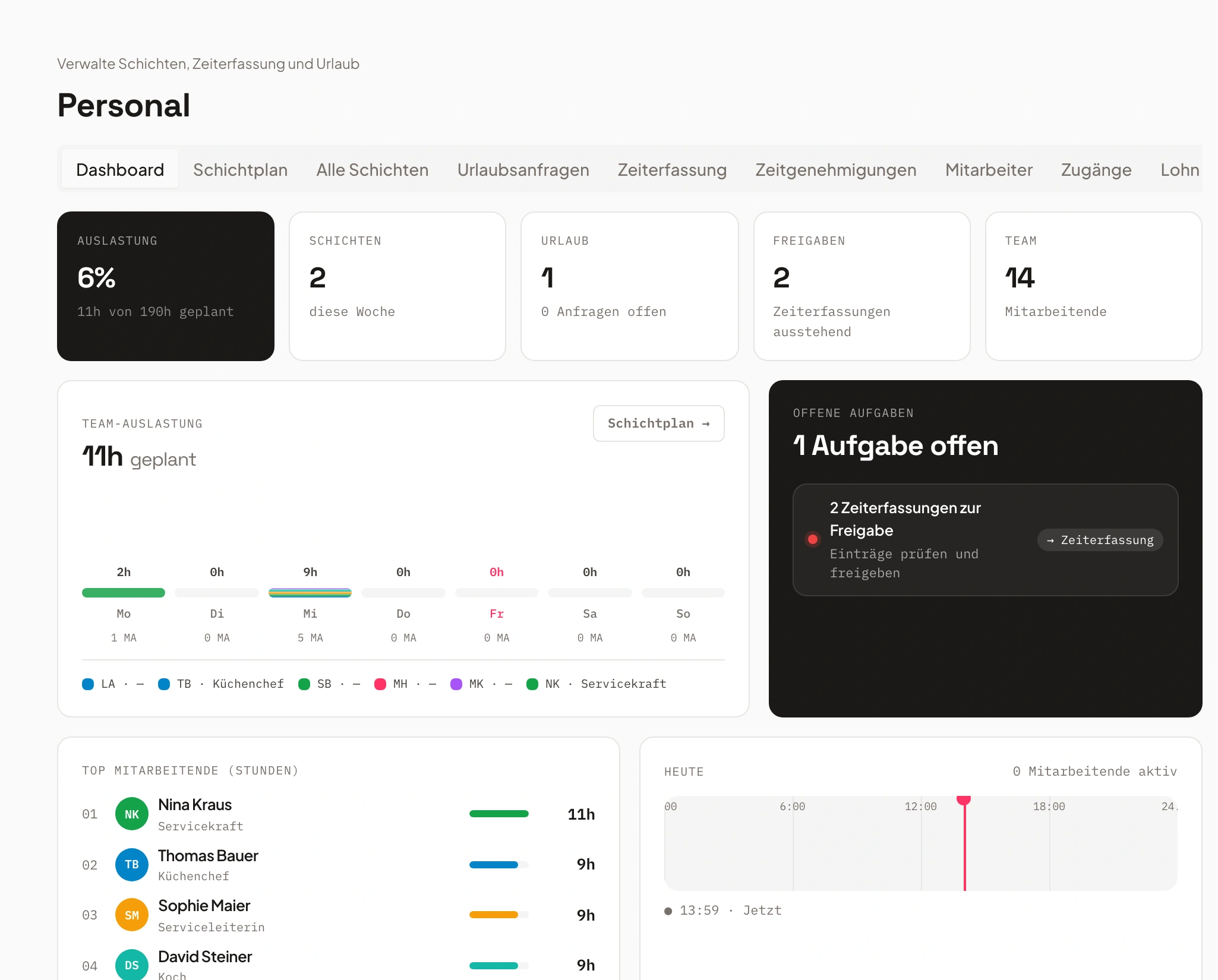
Let’s look at how shift planning actually works in the system. On one hand, there’s the Staff area, where you can add individual shifts directly for specific days and people. And you also have the option to set them up right from within the event itself. From there we go into Shifts and can create new jobs. Jobs are especially useful because you can assign specific skills to them – the qualifications required. That lets you define who’s actually allowed to apply for a given job. We’ll add that here, set the address, and add the new job. From the job, you can then add further shifts. That means you can name each shift, enter the times for it, and also say how many staff members you need – or whether people can sign themselves up for the shift through the staff portal. You can also search for people yourself and add them, and assign a contact person for each shift, or price the shifts directly here. So we can say we have our shift for the service staff set up right here. The system also does the math for you: four hours times three people needed for the event, and that’s included directly. We create that. And we create a second shift, Supervision, the same way. Then you get an overview of your shifts right here. From there, people can apply for them. If you’re working the event yourself, you can start your shifts directly, or copy individual jobs, or save them as a template. That means all these shifts and jobs are also available here as templates – you can insert items from templates to save yourself a good amount of time. You also have the option to view everything by job in a timeline, or by the individual people assigned to each task. On top of that, you can send reminders to people from here – either by tags, by skills, or by crew group – asking them to please apply for the open items. If you go in here and, say, someone’s already assigned to one of your shifts – let’s add myself to the shift – you can then say: if that person calls in sick, you can mark them as sick. And the system can also find a replacement for you. It automatically checks who’s still available that day, so you can add them in. It also works like this: if you go into the Finance tab, you see your planned versus actual hours. We’ve planned 136 hours here, which you can also manually adjust or set outright. And you have the tracked hours – whenever someone logs their shifts on the event, that flows straight into the planned-versus-actual view. From there you get an overview of how many hours were planned and how many were actually tracked. The rates for those hours are also calculated automatically, so you immediately see how much you’ll bill the customer if you’re charging by the hour rather than a flat fee – and at the same time you see how your cost coverage looks for the event. In the Shifts area, as we saw before, there’s also the shift plan with an overview by day. And from here you can also see the overall view of all shifts, as well as the overall view of all time entries and the overall view of the hours still waiting for approval.
Shift planning – clear, flexible, integrated
Every shift in view – for every event, every team.
Plan all shifts centrally, whether for individual events or recurring assignments.
Casual staff can apply for open slots and responsibilities are immediately visible – no back-and-forth, no chaos.
- Shift planning per event or cross-team
- Application function for temps
- Product and task linking
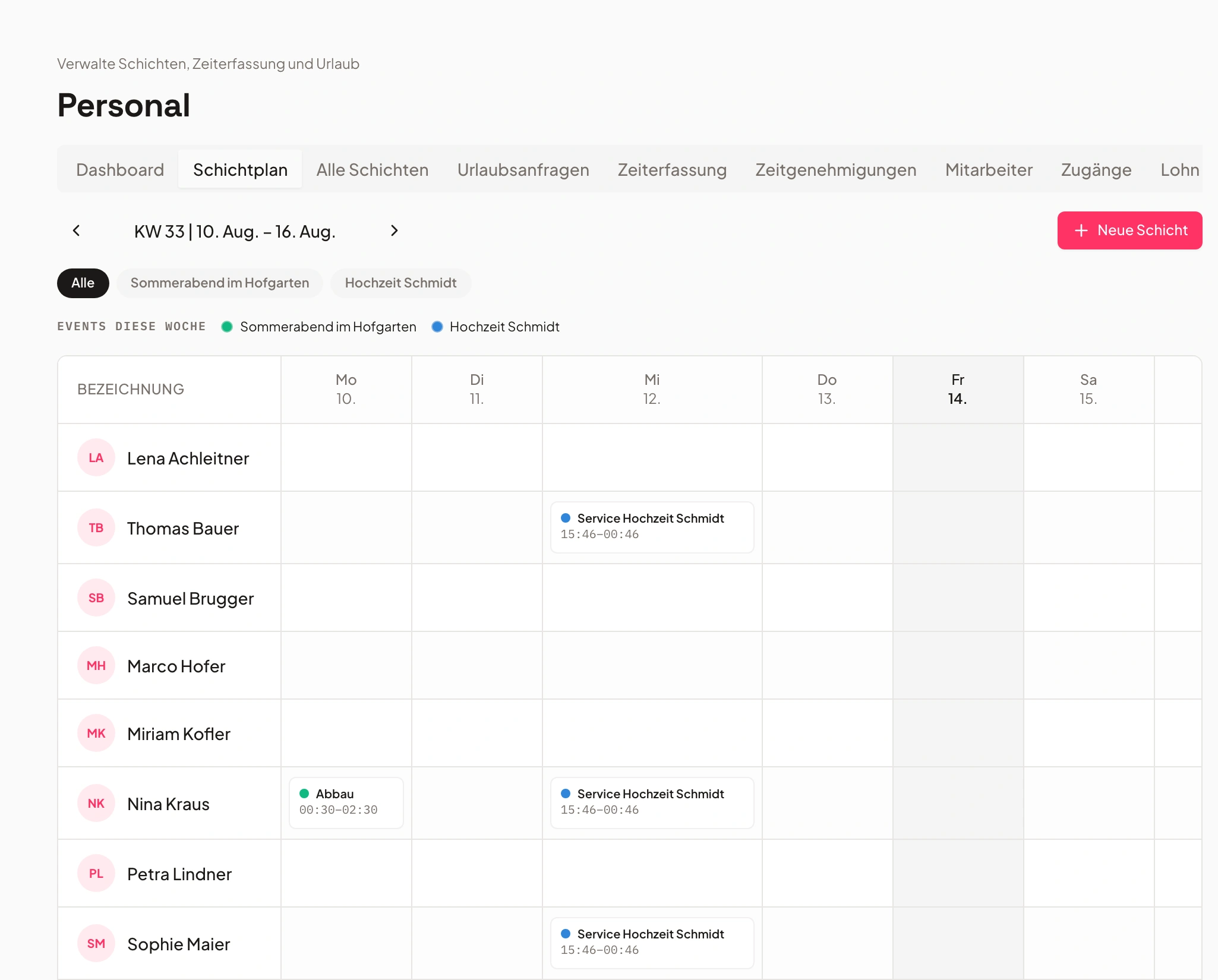
Time tracking – simple & compliant
Legally compliant time tracking runs automatically in the background.
Staff track time directly – via app or desktop. The system detects breaks and checks rest times.
Breaks, rest periods, and time balances are checked by the system. Admin approval is just one click away.
- Automatic break & blocking rules
- Time balances with over- and undertime
- Admin approval before payroll
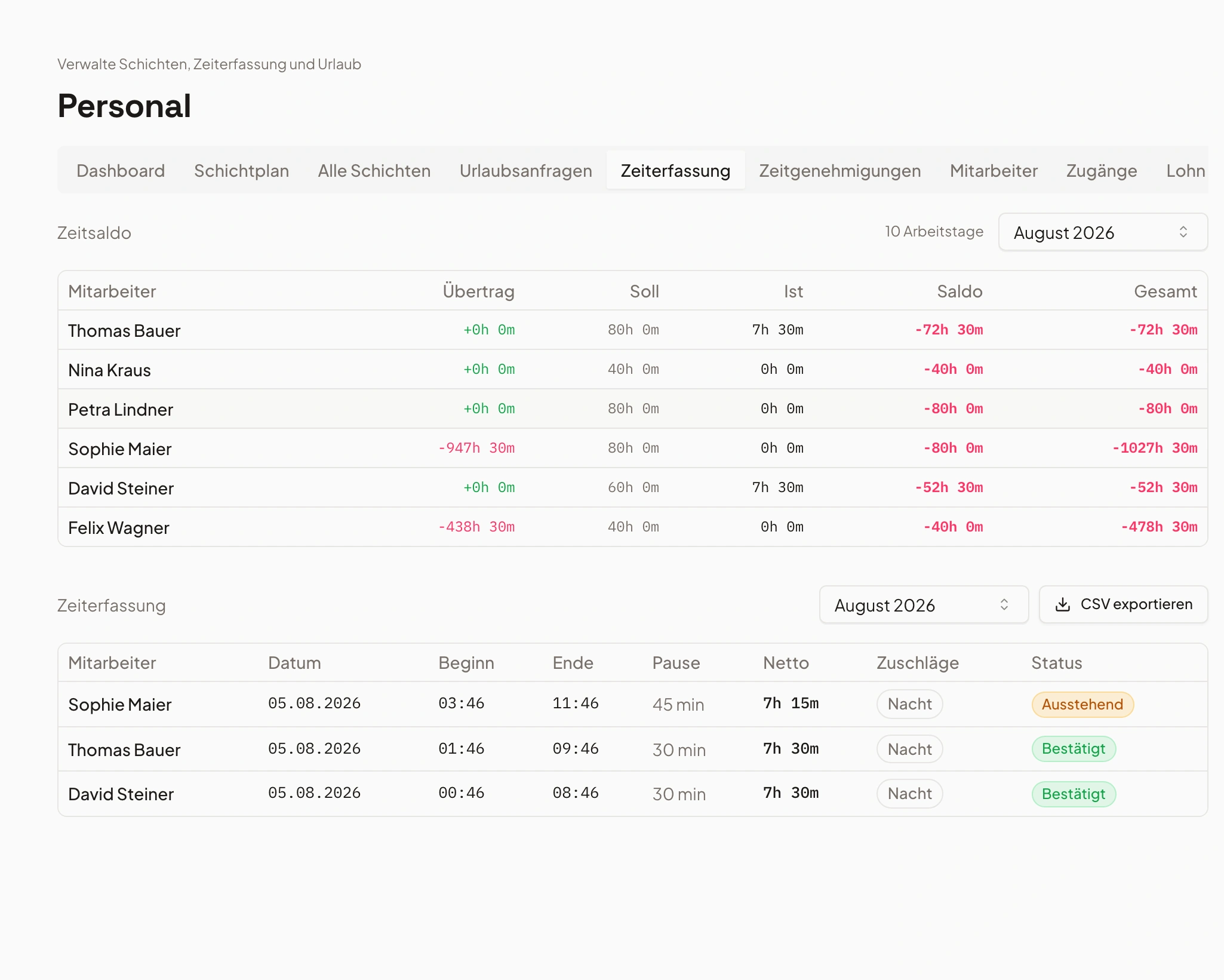
- 1Break detected
- 2Balance calculated
- 3Approved
Labor costs – calculated automatically
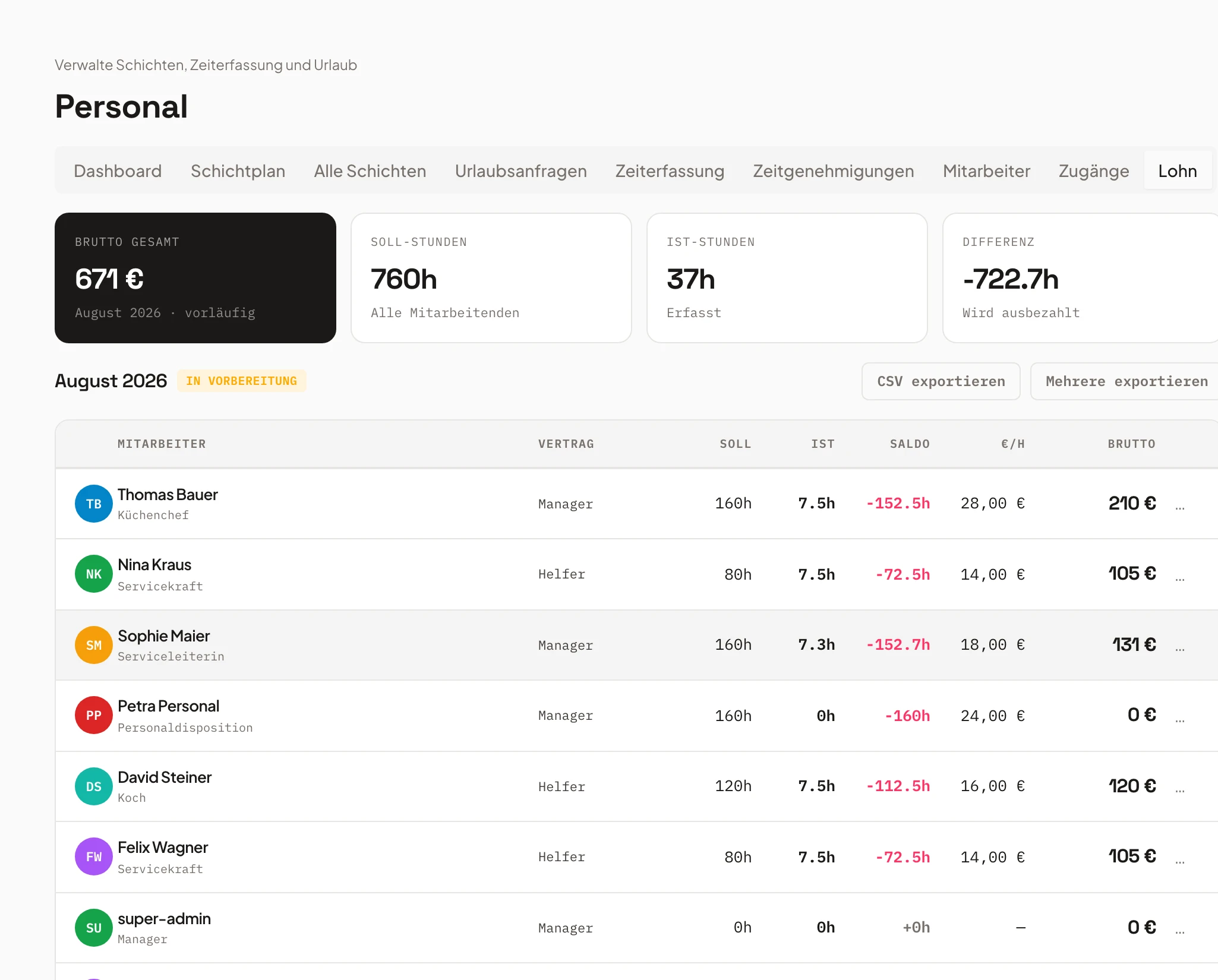
Labour costs in real time – no spreadsheet tangle.
Tracked times automatically become labor costs – including night, holiday and Sunday surcharges.
Night, public holiday, and Sunday supplements flow in automatically. See staffing costs per event at a glance.
- Automatic surcharge calculation
- Integration into finance documents
- Live overview of staff costs
Vacation & absence management
Holiday, sickness, cover – all in one system.
Vacation, sick days and replacements run through the same system – approved by the responsible managers.
Leave requests are approved or declined directly. Public holiday logic adapts automatically by location.
- Vacation requests & approvals in the tool
- Automatic replacement suggestions
- Holiday logic per location
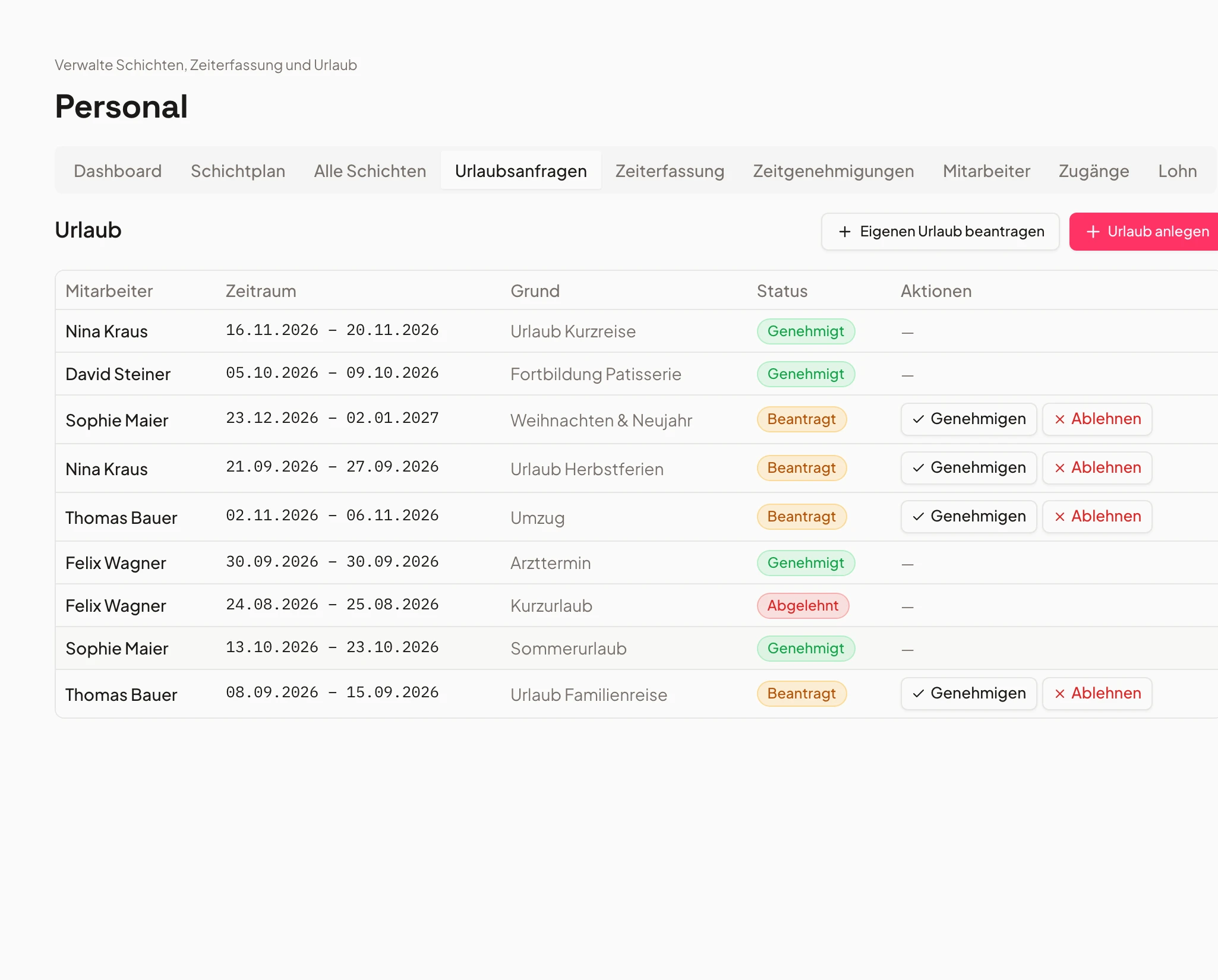
- Holiday Mayapproved
- Sick leavereported
- Coverplanned
Payroll tax export & reporting
One-click export – compatible with standard accounting tools.
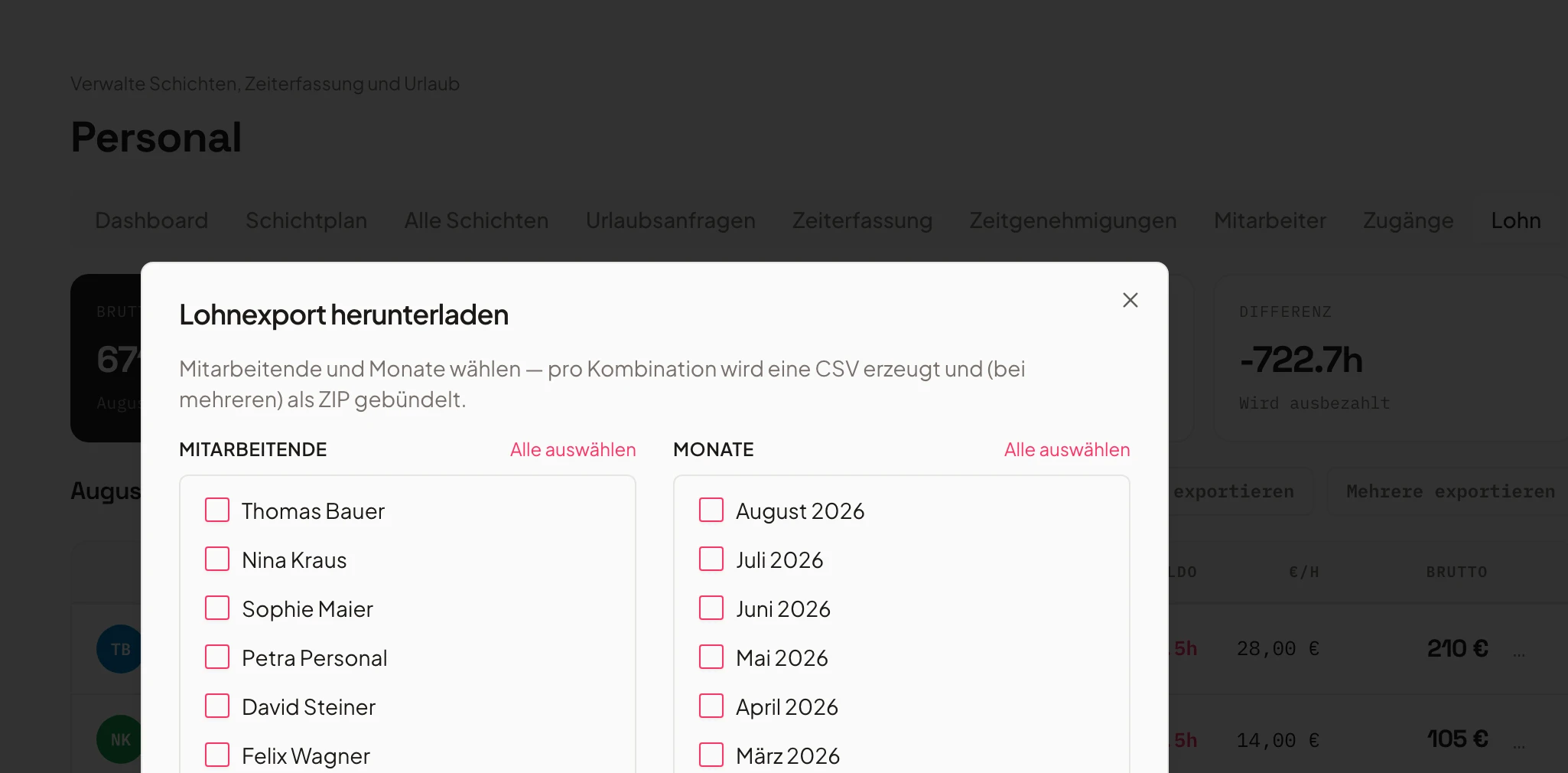
With one click you get clean, legally compliant data for your tax advisor or payroll system.
Holiday and supplement days are included. Your accountant gets clean, verified figures.
- Export by period & staff
- Inclusion of vacation and surcharges
- Saves time and guarantees accurate numbers
Roles & skills
Always the right person for the right shift.
Tag staff by skills (e.g. kitchen, service, driver) – so the right person always ends up in the right assignment.
Skill tags make assignment easy. New shifts are suggested pre-filled by the system.
- Skill-based shift assignment
- Internal & external participants
- Qualifications per role
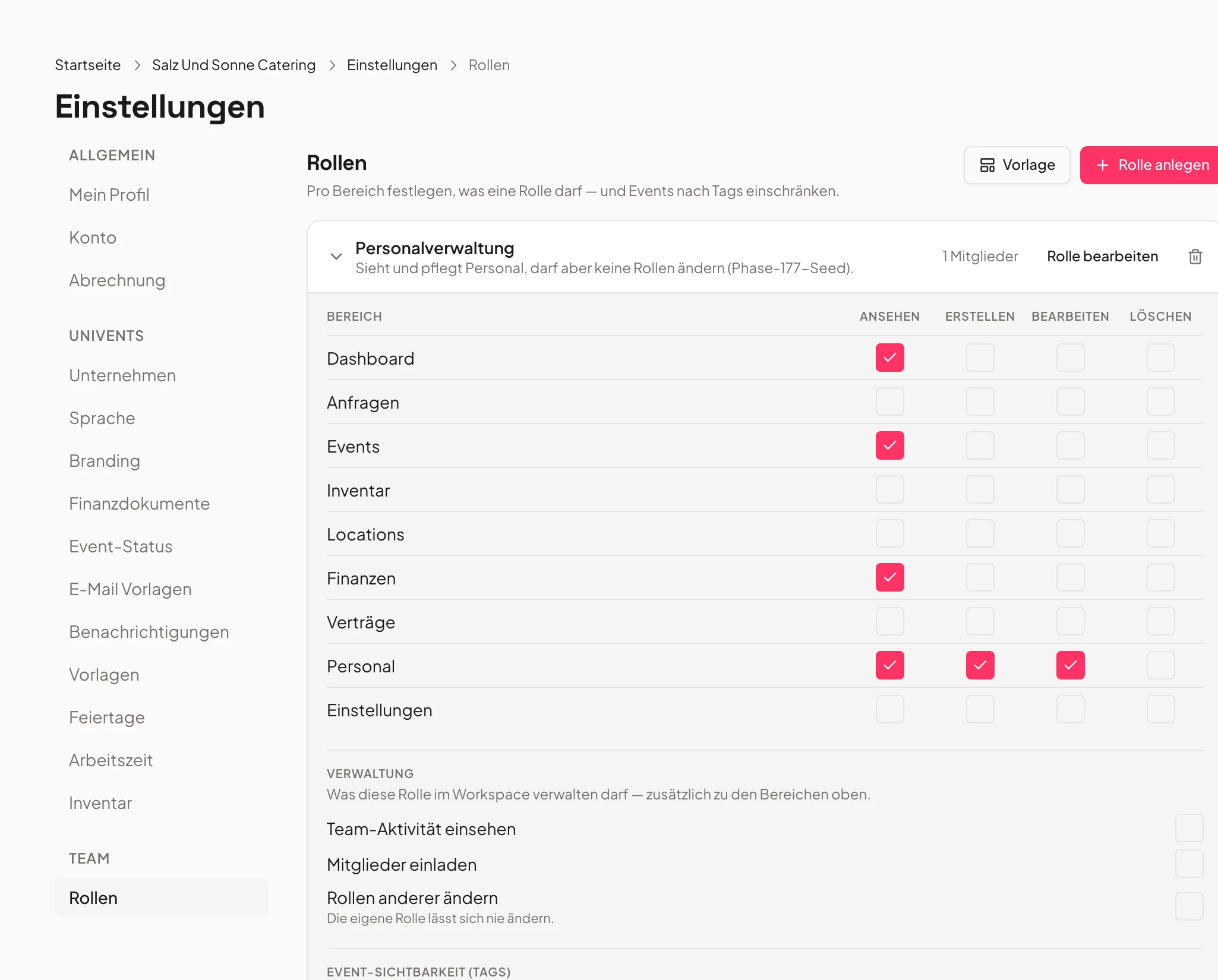
- Kitchen12 crew
- Service20 crew
- Driver6 crew
Shift plan – try it now
Click an open slot and see how easy it is to fill shifts.
“Everything is connected — booking, kitchen, staffing, billing. No more chaos, even with ten events at once.”
Frequently asked questions
What does staff planning cover?
Shift planning, time tracking, automatic supplements and break rules, vacation management and payroll/tax export.
Are supplements calculated automatically?
Yes. Smart supplement logic by time, weekday and holiday — including break rules.
How does time tracking work?
Staff track time and request vacation; capture and export happen in one step.
Can I plan by departments and cost centers?
Yes. Department/cost-center management and substitution logic are included.
Is there a payroll export?
Yes. Payroll and tax export for billing in one click.
Ready to get started?
Try Univents for free and see how simple event management can be.
Univents newsletter
Product news and practical tips for event and catering businesses. Roughly once a month, no more.