

Guests put their event together themselves
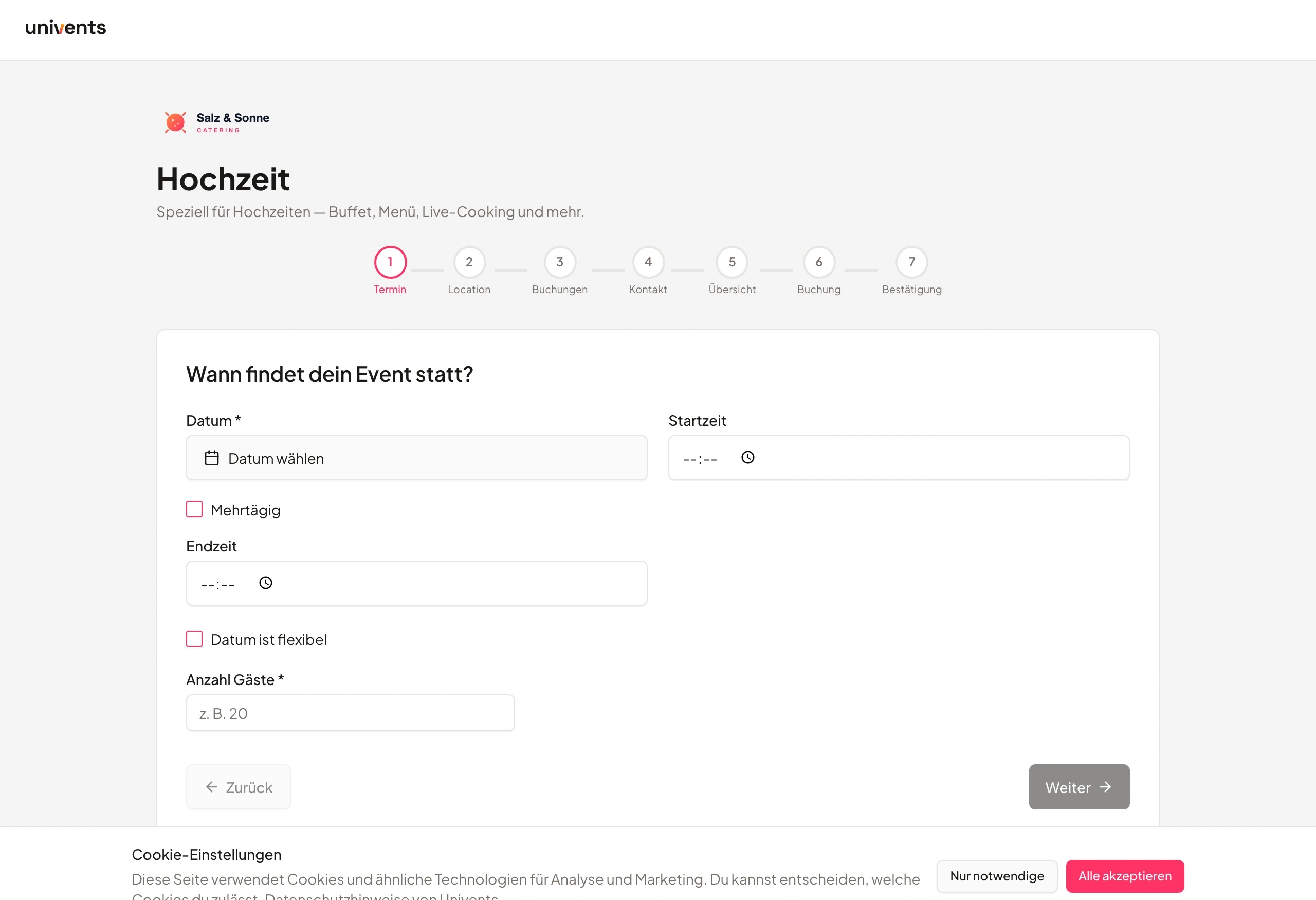
Instead of collecting menu wishes by email, the guest chooses in guided chapters: menu, drinks, extras. Every answer becomes a line in the quote – with quantity, a running total and flat fees that always belong.
7-day free trial · no credit card · live in minutes
- Summer party · 80 guestsreceived
- Selection: 3 linesin the quote
From the first chapter to the line in the quote
Three steps from the setup to the finished selection.
Build the configurator
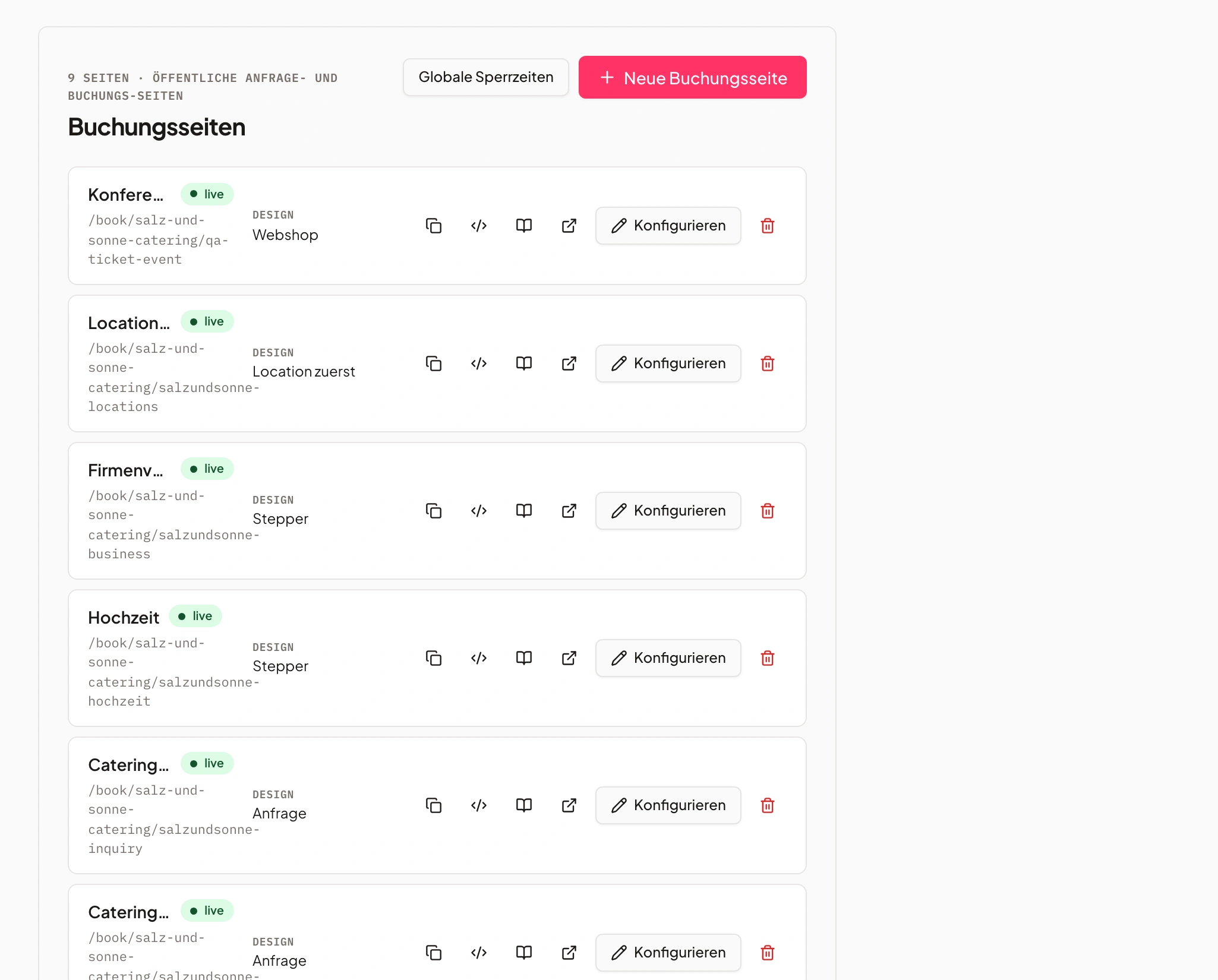
You assemble chapters and blocks in the editor and upload images, logo and cover image right there.
No second tool, no detour through a Pfad.
The guest chooses
The guest works through the chapters, enters quantities where needed and sees the total at the bottom.
They know what their selection costs before submitting.
Selection becomes a quote
On submit, each answer becomes a line at the product price, plus the “always included” flat fees.
Nobody copies the selection into the quote by hand.
Step by step instead of a questionnaire
Images, short chapters and a visible total guide the guest through their event.
The configurator leads through chapters such as menu, drinks and extras. Every block comes with images and answers to choose from; in selection blocks with quantities, the guest enters the amount themselves. The running total stays visible throughout.
“Price on request” only appears when nothing really is priced. Submitting twice does not create anything twice.
- Guided chapters with images
- Quantity per answer
- Running total while choosing
- 1Chapter: menu
- 2Chapter: drinks
- 3Submit
Set up in the editor, without a second tool
Images, logo, cover image and questions are maintained where the configurator is built.
In the image block you upload a photo and see it as a preview straight away; large photos are resized by Univents before upload so the configurator loads fast on a phone. Under Design you set logo and cover image: the logo sits at the top for the guest instead of your business name, the cover image greets them on the first chapter.
You edit and create questions right in the configurator, in the same Dialog as in the inventory. If a question is also asked on a booking page or on a product, that is shown before you change anything. “View as guest” shows everything exactly as the guest sees it.
- Upload images instead of typing a Pfad
- Logo and cover image under Design
- Create questions without leaving the editor
- Image blockuploaded
- Logo & cover imageset
- Create questionin the editor
Every selection becomes a line
Answers linked to a product calculate as their own line – gross or net, as maintained on the product.
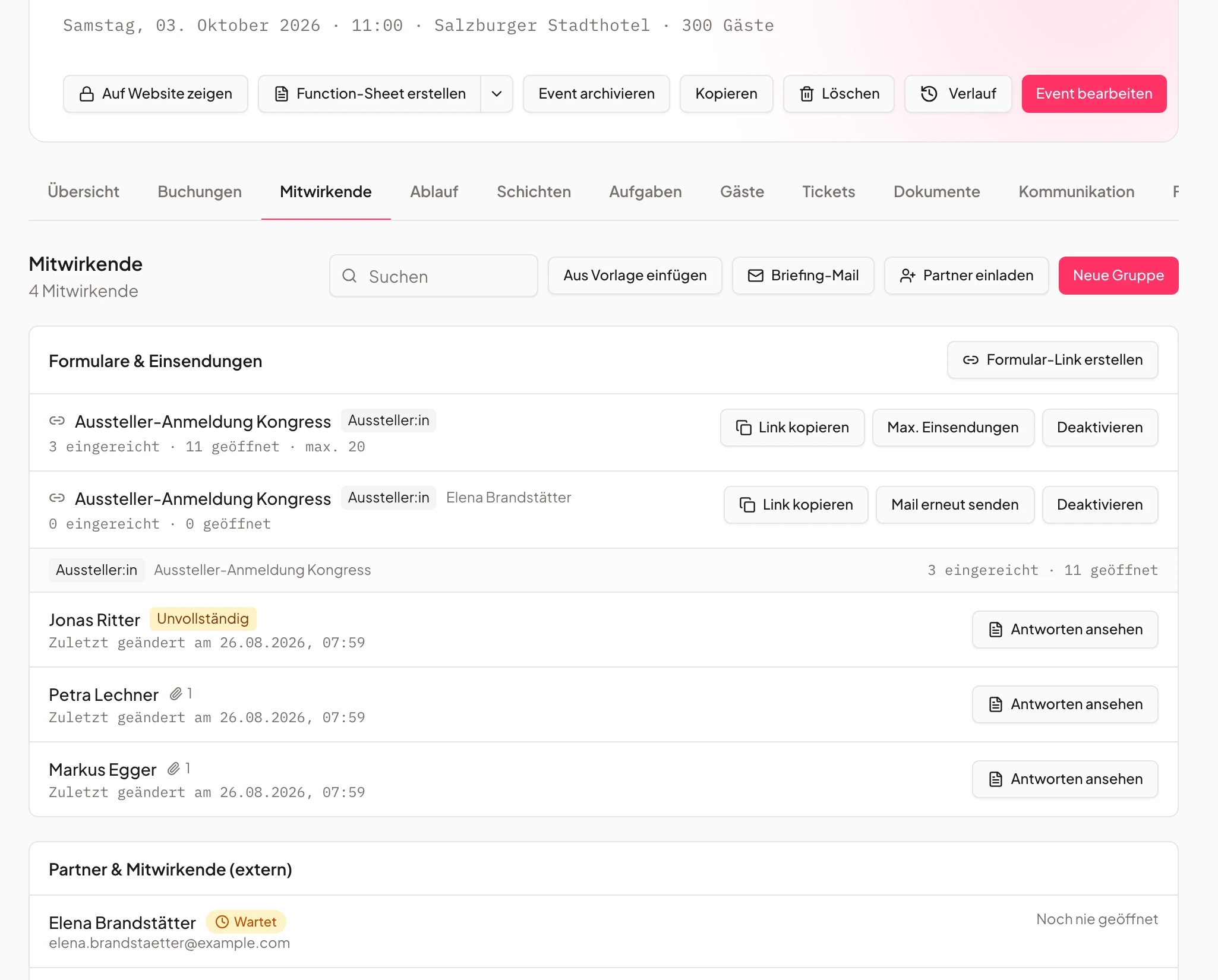
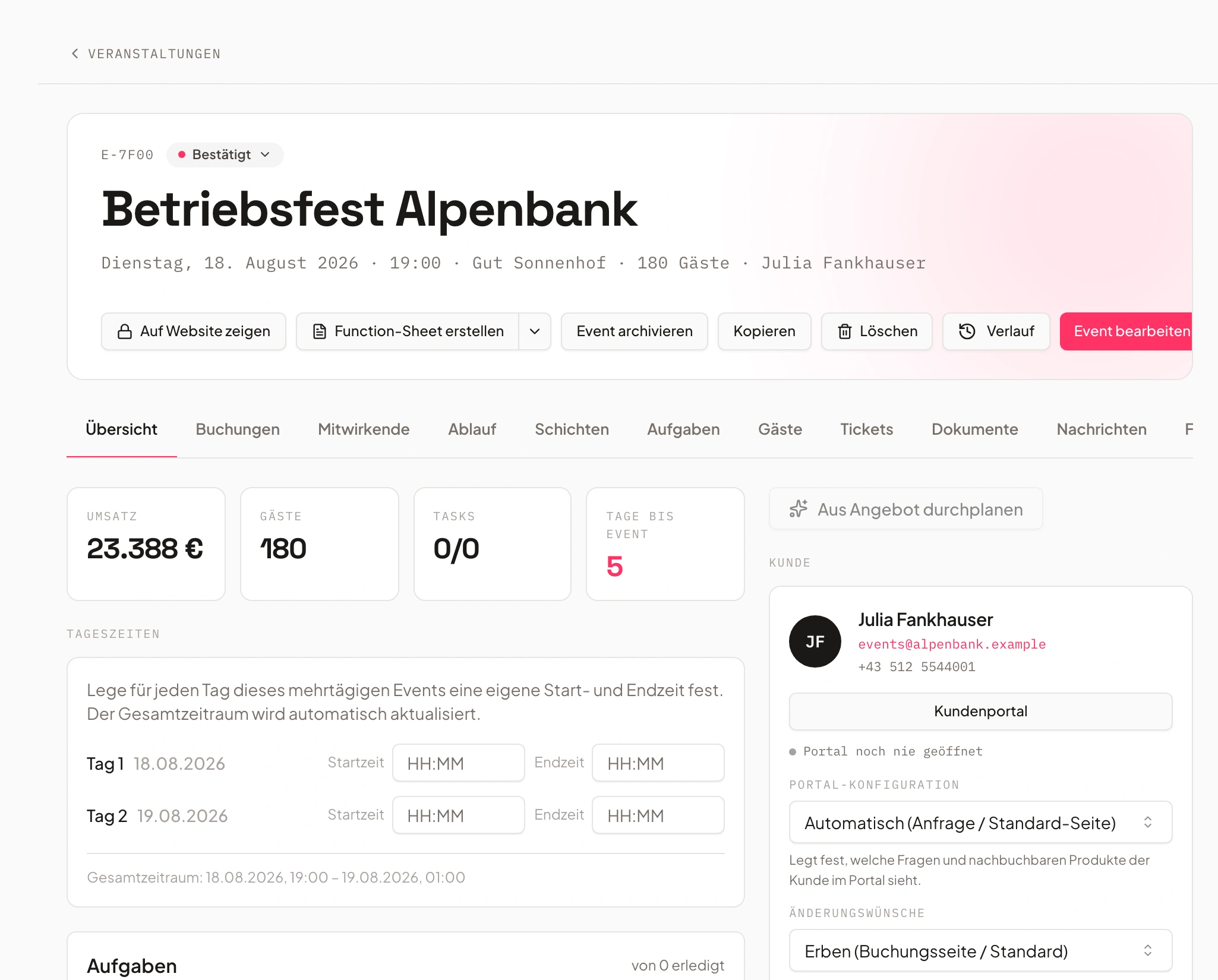
If an answer is linked to a product, each chosen answer becomes its own line in the booking on submit, at the product price. Per piece uses the guest's quantity, per Person the guest count of the event, flat once. If the event already exists, each answer becomes an item in the change request.
With “Always included” you define products that become a line automatically on every submit, such as a design or travel flat fee. The guest sees them as “incl. flat fees” in the total; if the product is already in the booking, it is not added twice.
- A line per chosen answer
- Always-included flat fees
- Per piece, per guest or flat
- Salmon on pumpernickel× 5line
- Design flat fee× 1always included
- Totallivevisible
An add-on module, bookable in every plan
The event configurator is its own module – you test it free for seven days.
The event configurator costs €99 per month or €990 per Jahr and is bookable from the Core plan. You try it free for seven days, directly in self-service.
Anyone who does not book it keeps working as before: booking pages and questions work unchanged.
- €99 per month or €990 per Jahr
- Free for seven days
- From the Core plan, no request needed
- Per month€99
- Per Jahr€990
- Trial7 days free
Frequently asked questions
What is the event configurator?
An add-on module in which guests and clients put their event together step by step – menu, drinks, extras. Every selection with a linked product becomes its own line in the quote on submit, with quantity and a running total.
What does the event configurator cost?
€99 per month or €990 per Jahr, bookable from the Core plan. You test it free for seven days, directly in self-service.
Do guests need an account for the configurator?
No. The guest opens the configurator through the Link of your booking page and chooses without registering. Their selection lands in the booking on submit.
What happens if a guest changes their selection later?
If the event already exists, every changed answer becomes an item in the change request. The configurator never deletes a line, and submitting twice does not create anything twice.
Can I maintain images, logo and questions myself?
Yes, right in the configurator editor. You upload images in the image block, set logo and cover image under Design, and edit questions in the same Dialog as in the inventory.
Ready to get started?
Try Univents for free and see how simple event management can be.
Univents newsletter
Three topics, pick any. Roughly once a month, no more.