

Costing and purchasing calculate with the same numbers
Templates record how your business calculates: one service supervisor per started 100 guests, children count as half. At the event this becomes bookings that follow changes – with prices from the item master instead of a second truth in a spreadsheet.
7-day free trial · no credit card · live in minutes
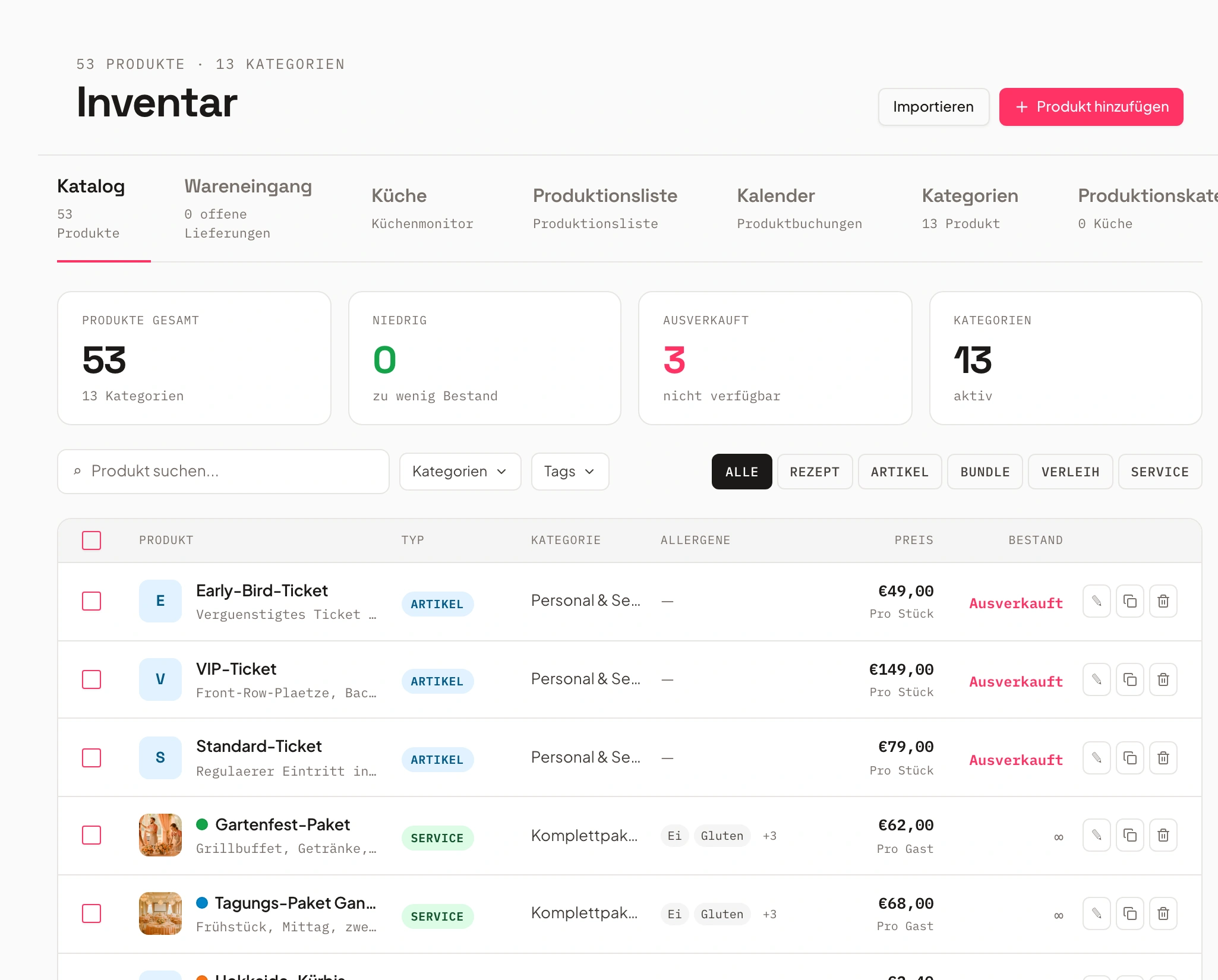
- Beef fillet · Supplier Northnew
- Buffet package Classicprice from 1 Nov
From the rule to the ordered goods
Three steps from the first template to the order.
Create a template
Under Settings → Costing you define once how you calculate: conditions, reference quantity, formula and target, each rule as one line.
Stored once, it applies to every event of that type.
Preview the calculation
You enter the guest count, duration or distance and see the result immediately. Every number comes with its reason.
You see why two service supervisors come out.
Apply it at the event
The template creates the bookings and follows guests, times and rooms. As soon as a document has been sent, everything stays put.
Quote and costing stay in step.
Your calculation as a template, not a spreadsheet
Rules such as “one service supervisor per started 100 guests” or “children count as half” live in the template, once.
A template belongs to an event type and connects condition, reference quantity, formula and target. A rule can add a second service supervisor from 150 food guests, count children with a factor of 0.5, or depend on the booked revenue. Several rules on the same target add up.
The preview names the reason for every target, for example “2 service supervisors: per started 100 food guests, 110 food guests”, and lists skipped rules with their cause. Costing templates are available from the Growth plan.
- One template per event type
- Rules with condition, formula and target
- Preview with a reason for every number
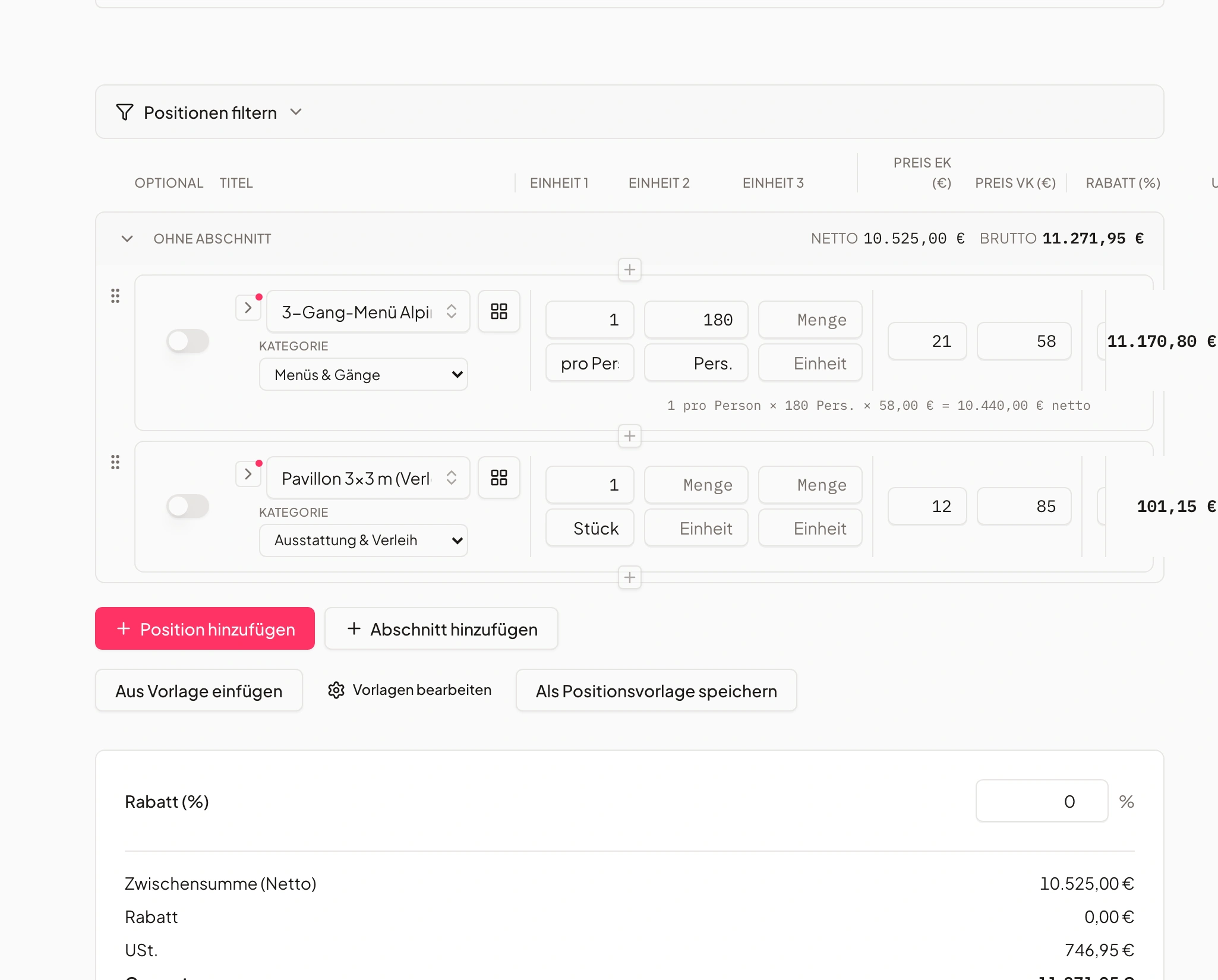
- 1Rule: per started 100 guests
- 22 service supervisors
- 3Reason is right there
The costing recalculates at the event
The template turns into bookings – and they keep moving as long as no document has gone out.
When the guest count, guest groups, times or rooms change, the quantities of the costing positions follow on their own. Once a quote, an invoice or an order confirmation has been sent, the costing no longer changes anything by itself: a confirmed event does not quietly calculate differently. Sent documents stay unchanged, even if you apply the costing again on purpose.
Staff roles from the costing become open shifts, and a run-sheet template becomes the event schedule. Prices always come from the item master and the pricing rules.
- Follows guests, guest groups, times and rooms
- Freezes as soon as a document has been sent
- Staff roles become open shifts
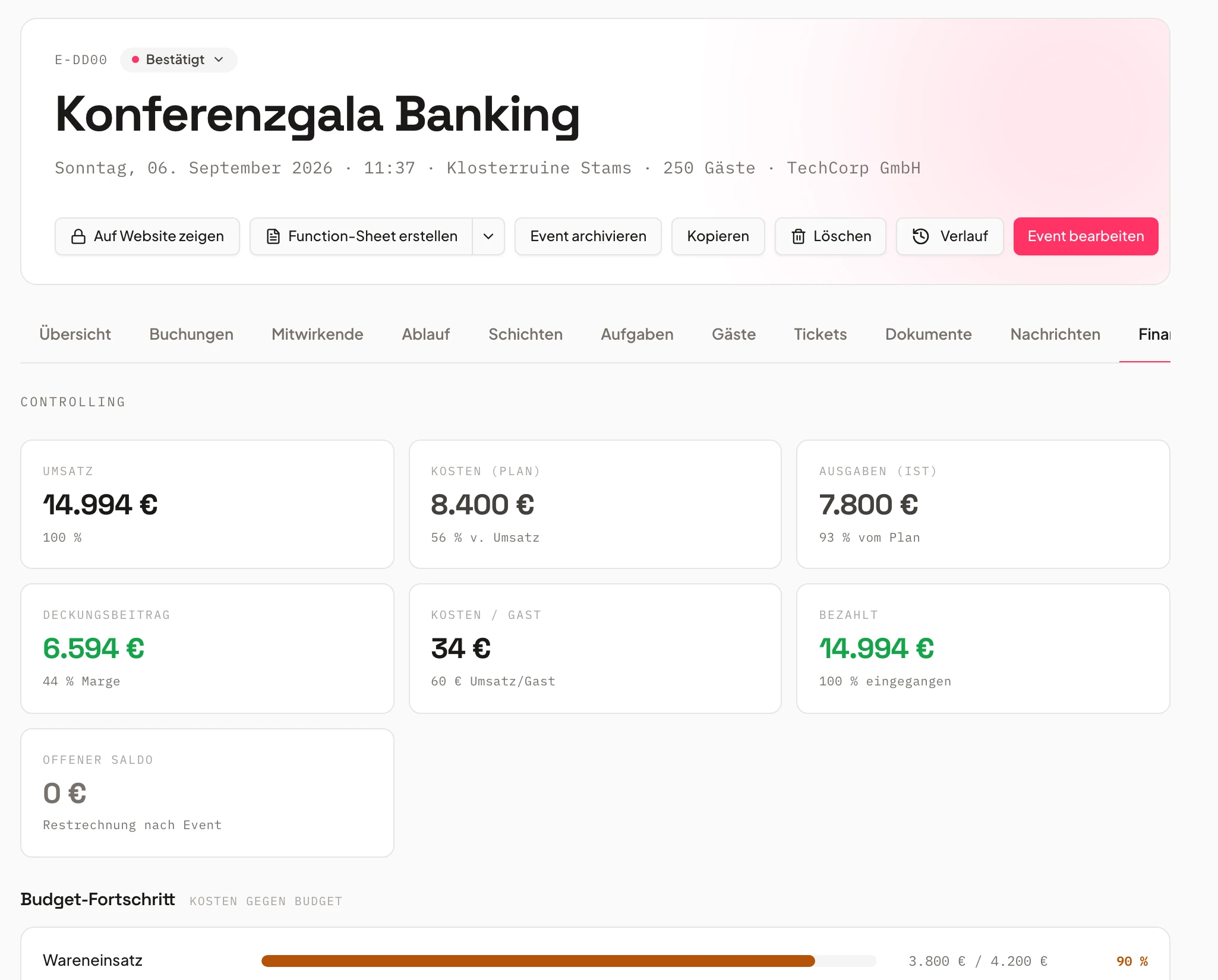
- Buffet Classic€1,375follows
- Service supervisor ×22 shiftsopen
- Quote sentfrozen
Quantities, variants and prices
Whatever you maintain on the item, the event calculates with – in every plan. Several variants per item are available from Growth.
A quantity rule on the item, such as “1 per 10 guests, at least 2”, follows a new guest count without anyone recalculating. An item can have several variants – cola in 0.2 l, 0.33 l and 1.0 l – each with its own price, purchase price, stock and item number; description, images and allergens live once on the main item.
You plan new sales and purchase prices from an effective date: earlier dates calculate with the old price and sent documents stay unchanged. Changing many prices at once works with a percentage and rounding, including a preview before you apply it.
- Quantity rule per item
- Several variants per item
- Prices from an effective date, changed in bulk
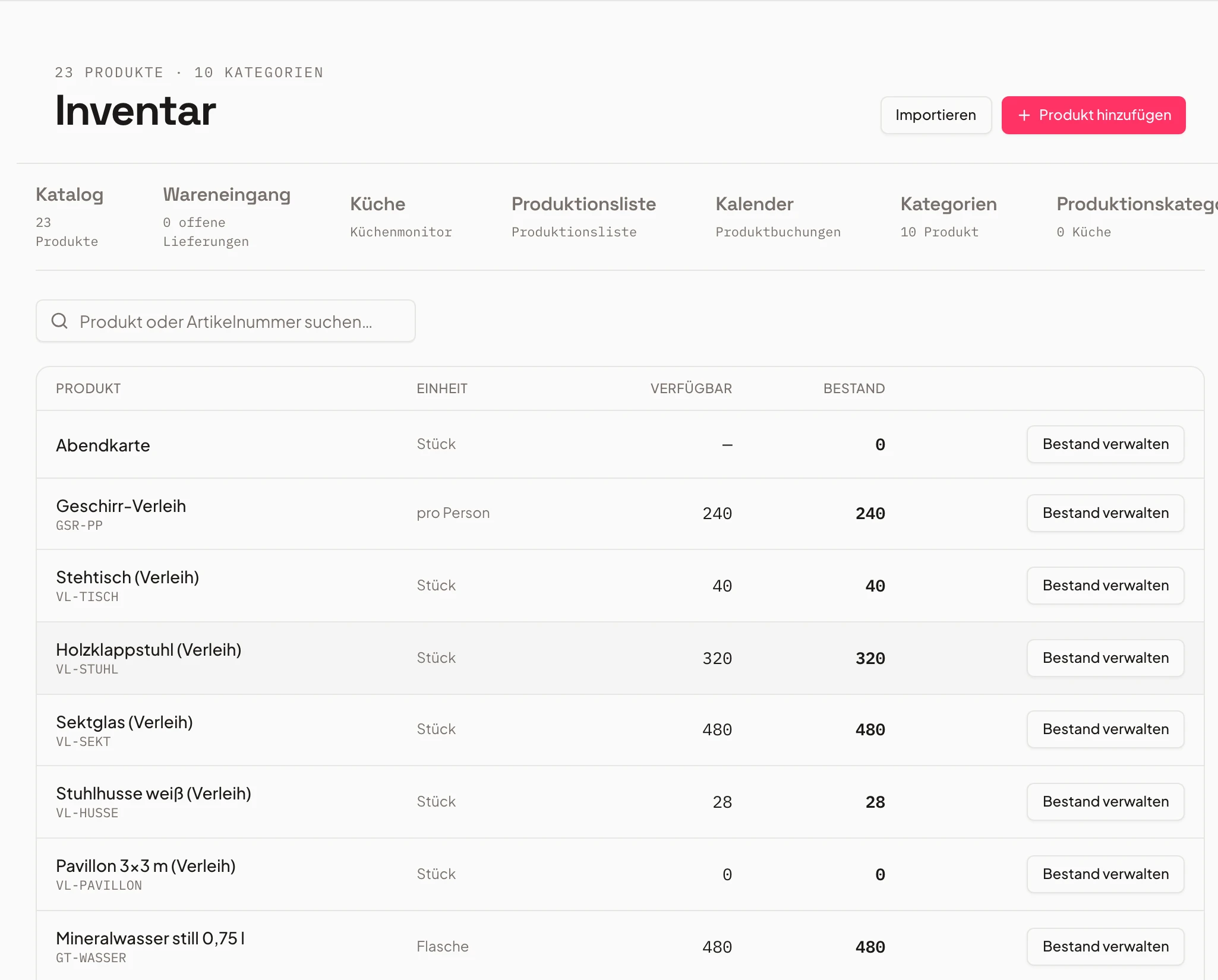
- Cola 0.33 lper 10 guestsactive
- Cola 1.0 lper 20 guestsactive
- Purchase pricefrom 1 Novplanned
Suppliers, price lists and price groups
The same item can cost different amounts at several suppliers.
Per supplier you keep its own purchase price, item number and pack size; orders and food cost calculate with the price of the chosen supplier. Price groups give agencies, trade-fair customers and regulars their own prices – the group sits on the customer or on a single booking page.
Price lists are read by Univents: you upload them, forward them by email, or the supplier uploads them in the supplier portal. In a review list you apply new purchase prices from an effective date; reading the list is billed through your AI credit. Suppliers and price groups are available from the Growth plan.
- Several suppliers per item
- Price groups for agencies, trade fairs and regulars
- Read price lists, review them, apply them
- 1142 items recognised
- 23 prices to review
- 3applied from 1 Nov
Orders to suppliers
You order per supplier – and the status comes back.
You order per supplier, cancel and order again. Suppliers see the guest count and the quantity per guest, decline single items and suggest a substitute. The packing list can be grouped by supplier, and the food cost report calculates with the order price.
Orders to suppliers are available from the Core plan.
- Order, cancel and reorder per supplier
- Declines and substitute suggestions from suppliers
- Packing list by supplier, food cost with the order price
Frequently asked questions
What is a costing template?
A template records how a business calculates: conditions, reference quantity, formula and target, for example “one service supervisor per started 100 guests”. It belongs to an event type and works out the bookings at the event, instead of someone entering the requirement each time.
What happens when a quote has already been sent for an event?
Then the costing no longer changes anything by itself. A confirmed event does not quietly calculate differently, and sent documents stay unchanged. Automatic recalculation returns once no document has been sent, for example after a cancellation.
Does the costing recalculate when the guest count changes?
Yes. When the guest count, guest groups, times or rooms change, the quantities of the costing positions follow. Anyone who changes a position themselves keeps it: it then carries a note that it no longer follows the costing.
Can I change prices for many items at once?
Yes, with a percentage and rounding, plus a preview. New prices apply from an effective date: earlier dates calculate with the old price and documents already sent stay unchanged.
How do supplier purchase prices get into the system?
You upload the price list, forward it by email, or the supplier uploads it in the supplier portal. Univents reads the items, you check them in a review list and apply new purchase prices from an effective date. Reading the list is billed through your AI credit.
Ready to get started?
Try Univents for free and see how simple event management can be.
Univents newsletter
Three topics, pick any. Roughly once a month, no more.