


TL;DR:
- A clear objective is essential for effective event schedule planning.
- Buffer time, color-coding, and digital tools keep event processes running smoothly.
- Control mechanisms like the 15-5-1 method minimize errors on event day.
Event day begins, and suddenly the speaker is nowhere to be found, catering arrives late, and nobody knows who's responsible for the AV setup. Situations like these aren't a coincidence — they're the direct result of missing or unclear schedule planning. Anyone who organizes professional events knows: even small gaps in the timeline can snowball into major problems. This guide shows you how structured, step-by-step schedule planning reduces stress, prevents mistakes, and helps you master event day with confidence. From the fundamentals to digital optimization, you'll find proven methods for event professionals here.
Table of Contents
- Fundamentals and Prerequisites of Event Schedule Planning
- A Structured Step-by-Step Process: From Briefing to Wrap-Up
- Control Mechanisms and Troubleshooting: Avoiding Errors, Ensuring Quality
- Optimization and Digitalization: A More Efficient Workflow with Software
- Our Experience: What Practice Teaches That Theory Doesn't
- Your Next Step Toward Perfect Event Schedule Planning: Digital Solutions for Events
- Frequently Asked Questions About Event Schedule Planning
Key Takeaways
| Point | Details |
|---|---|
| Build in buffer time | A 15-20% buffer prevents delays and gives you room to maneuver when surprises happen. |
| Use control mechanisms | The 15-5-1 rule and color-coding help you reliably monitor critical stages of the event. |
| Use digital tools | Software solutions automate routine processes and strengthen team communication for smoothly run events. |
| Prepare a contingency grid | With backup plans for technical issues, weather, or VIP guests, you stay flexible and ready to act at all times. |
Fundamentals and Prerequisites of Event Schedule Planning
Now that we've covered the introduction, let's dig into the fundamentals and prerequisites for professional event schedule planning. Without a solid foundation, even the most detailed timeline remains wishful thinking.
A Clear Objective as Your Starting Point
Before you enter a single agenda item into your event schedule, you need to clearly define your event goals. What is the event meant to achieve? Who is the target audience? How many attendees are expected? These questions determine not just the content, but also the pace and structure of the entire schedule. A corporate anniversary with 200 guests calls for completely different planning than a product launch with 30 decision-makers.

A common mistake: event planners start scheduling before they know the overarching goals. This leads to agenda items that don't fit together, long dead spots, or an ending that fails to impress anyone. That's why you should always start with a written statement of objectives that everyone involved knows and has signed off on.
Buffer Time and Color-Coding: Non-Negotiable Basics
Two tools are indispensable in professional event schedule planning: buffer time and color-coding. According to the Event Run of Show Guide, buffer time and color-coding are essential for smooth-running events. In practice, that means: build in 15 to 20 percent extra time for every agenda item. For a 30-minute talk, that's at least 4 to 6 minutes of buffer.
Color-coding helps you and your team read the event schedule at a glance. Use a simple color system, for example:
- Red: Critical agenda items with no room for slippage (e.g., keynote, opening)
- Yellow: Agenda items with a flexible time frame (e.g., networking breaks)
- Green: Optional elements that can be cut if time runs short
Recommended Tools and Materials
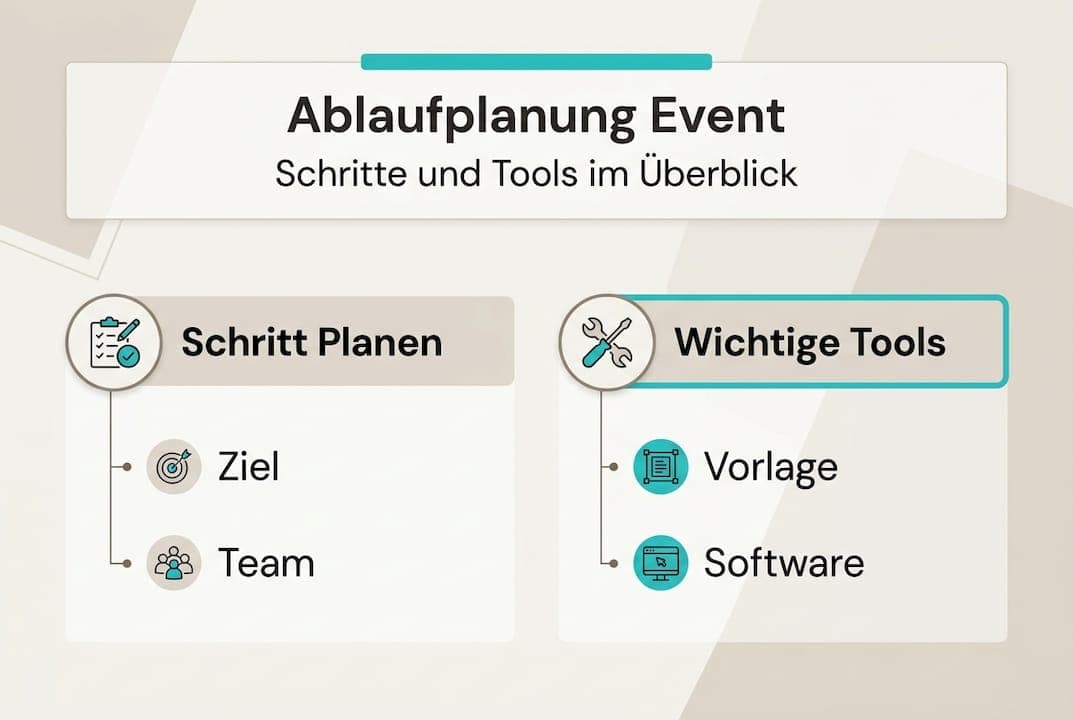
For effective step-by-step event planning, you need the right tools. The table below gives you an overview:
| Tool/Material | Purpose | Recommendation |
|---|---|---|
| Event schedule template | Structuring all agenda items | Table format with time slots |
| Event management software | Automation and real-time updates | Integrated platforms like Univents |
| Communication platform | Team coordination and notifications | Slack, Teams, or built-in tools |
| Color-coded checklists | Prioritization and quick overview | Digital or printed versions |
| Schedules for everyone involved | Clear responsibilities | Personalized versions per team |
If you're planning group events, the group travel planning guide offers further valuable input for coordinating multiple groups of attendees. The core principle stays the same: clear structure, defined responsibilities, and enough buffer are what separate a smoothly run event from a nonstop crisis-management exercise.
A Structured Step-by-Step Process: From Briefing to Wrap-Up
With the right groundwork in place, it's time for structured, step-by-step planning. This is where precision and traceability matter most.
The Seven Core Steps of Event Schedule Planning
-
Briefing and objective-setting: All stakeholders, vendors, and team members are brought up to speed in a joint kickoff meeting. Goals, expectations, and framework conditions are documented in writing.
-
Capture all agenda items: Gather every planned element of the event, from the welcome to the farewell. Nothing is too small to note down — this includes breaks, setup and teardown times, and travel times.
-
Assign time slots: Give every agenda item a realistic time slot. According to the Event Run of Show Guide, steps should be planned in 5-minute increments and checked using the 15-5-1 rule. In other words: don't plan in 30-minute blocks — work with small, precise units instead.
-
Define responsibilities: Every agenda item gets one person responsible for it. That person handles the preparation, execution, and follow-up for that item. Duplicate ownership causes confusion; missing ownership causes chaos.
-
Build a contingency grid: Develop a Plan B for every critical agenda item. What happens if the AV equipment fails? What if the keynote speaker falls ill? What if the weather doesn't cooperate at an outdoor event? A contingency grid isn't pessimism — it's professional preparedness.
-
Develop a layered run of show: Distinguish between the guest layer (what attendees experience) and the execution layer (what the team does behind the scenes). This separation keeps operational details from disrupting the guest experience.
-
Plan the wrap-up: The event doesn't end with the last agenda item. Teardown, feedback sessions, invoicing, and documentation all belong in the event schedule.
Comparison: Traditional vs. Structured Event Schedule Planning
| Criterion | Traditional Planning | Structured Planning |
|---|---|---|
| Time buffer | Rarely included | 15-20% per agenda item |
| Responsibilities | Often unclear | Clearly assigned |
| Plan B | Frequently missing | Contingency grid in place |
| Team communication | Reactive | Proactive and structured |
| Wrap-up | An afterthought | Built into the schedule |
For a detailed event planning guide, it's worth looking at proven frameworks you can apply directly to your own practice. If you also coordinate complex group logistics, the travel planning checklist offers additional ideas for coordinating many participants.
Pro tip: Create a personalized version of the event schedule for each team member. Everyone sees only the information relevant to them — their tasks, time slots, and points of contact. This cuts down on information overload and boosts confidence in the moment.
Control Mechanisms and Troubleshooting: Avoiding Errors, Ensuring Quality
Once the schedule is set, securing control and error prevention becomes critical. A good plan is only as good as its execution.
The 15-5-1 Check in Practice
The 15-5-1 method is one of the most effective tools for quality assurance on event day. According to the Event Run of Show Guide, the 15-5-1 check should be carried out before every major agenda item. Here's how it works:
- 15 minutes before the item: Check all technical requirements, make sure everyone involved is in the right place, and confirm the timing.
- 5 minutes before the item: Final check-in with the host or speaker, one last technical run-through, and invite guests to take their seats.
- 1 minute before the item: A silent confirmation from everyone involved that all is ready. No stress, no rushing — just a quick thumbs-up across the team.
This method sounds simple, but it has an enormous impact. It forces the team to act proactively instead of reacting to problems after the fact.
Color-Coding for Critical Steps
Add a clear color system to your event schedule. Red marks every agenda item where a delay would put the entire schedule at risk. These items get extra attention and are checked first in every control round. Event staff scheduling benefits directly from this method, since clear priorities make shift planning and task allocation easier.
Common Sources of Error and How to Avoid Them
- Unclear communication channels: If nobody knows who to call in a crisis, the team loses valuable minutes. Decide in advance who the go-to contact is for each problem area.
- No backup equipment: A dead microphone, a failed projector, or a network outage can happen to anyone. Always keep spare equipment on hand.
- Too tight a schedule: If every buffer is already needed for the normal running order, there's no room left for the unexpected. Plan realistically, not optimistically.
- Poor documentation: Anything not written down gets forgotten or misremembered. Use digital tools for catering resource planning and other operational areas to keep all information in one central place.
Pro tip: Run a short debrief after every event. Note which agenda items went smoothly and where problems came up. These insights feed directly into planning your next event and make your team better with every event you run.
“Quality assurance isn't a one-time act — it's a continuous process that happens before, during, and after the event.”
For post-event financial wrap-up and bookkeeping, Hospobase offers complementary solutions that integrate seamlessly into professional event processes.
Optimization and Digitalization: A More Efficient Workflow with Software
For even greater efficiency, it pays to integrate modern digital tools into your event schedule planning. The days of maintaining run-of-show schedules exclusively in spreadsheets are over.
What Digital Tools Actually Deliver
According to the Event Run of Show Guide, software solutions offer layered ROS, automated checklists, and communication features that significantly simplify manual processes. In practice, that means:
- Automating routine tasks: Reminders, status updates, and notifications are sent automatically. No team member misses an important step, because the software informs them proactively.
- Real-time digital checklists: Everyone on the team can immediately see which tasks are done and which are still pending. No phone calls, no emails, no uncertainty.
- Layered run of show: Modern software lets you create different views of the same schedule. The kitchen sees different details than the AV team, but everyone works from the same underlying data.
- Connected communication: Changes to the schedule are communicated instantly to everyone who needs to know. No information gets lost to outdated printouts or forgotten phone calls.
Real-World Example: Software in Event Schedule Planning
Imagine you're coordinating a corporate event for 150 guests, a three-course menu, two outside speakers, and an evening show. Without software, you're juggling multiple spreadsheets, countless phone calls, and the constant risk that some piece of information gets lost. With an integrated platform, it works differently: you build the event schedule once, assign tasks, set time slots, and turn on automatic reminders. The system notifies the kitchen 30 minutes before menu service, reminds the AV lead 15 minutes before the presentation, and sends the host a notification 5 minutes before they go on.
Workflow automation significantly reduces manual effort and frees up your head, as an event planner, for what really matters: an exceptional guest experience.
📊 Statistic: Event planners who use integrated software solutions report cutting planning time by up to 40 percent, along with a significantly lower error rate during execution.
If you're looking for concrete ways digital tools change day-to-day work, 7 ways to boost efficiency in event management offers practical approaches you can put to use right away. Investing in the right software pays off not just in time saved, but also in less stress, happier teams, and better customer reviews.
Our Experience: What Practice Teaches That Theory Doesn't
On paper, a perfect event schedule sounds convincing. In reality, it collides with real-time chaos: the caterer shows up 20 minutes late, a VIP guest decides to give an impromptu speech, and the AV system dies at the exact moment all eyes turn to the stage. Anyone who believes a good plan alone is enough gets a reality check on event day.
What really matters is the combination of structured preparation and genuine flexibility. A contingency grid isn't an optional extra — it's a must. And a layered run of show isn't bureaucratic overhead; it's the decisive difference between a team that reacts and a team that acts.
The single most important lesson from years of hands-on event experience: transparency beats any timeline. When everyone involved has the same information and knows what's coming next, solutions emerge faster than problems do. The best software, of the kind described in efficient planning with software, supports exactly that — it creates shared understanding, not just shared documents.
Your Next Step Toward Perfect Event Schedule Planning: Digital Solutions for Events
If you want to make your event schedule planning even more efficient going forward, there are integrated solutions available from a single provider. Univents offers integrated event management software that digitally maps every phase of your event, from the first inquiry to the final invoice.
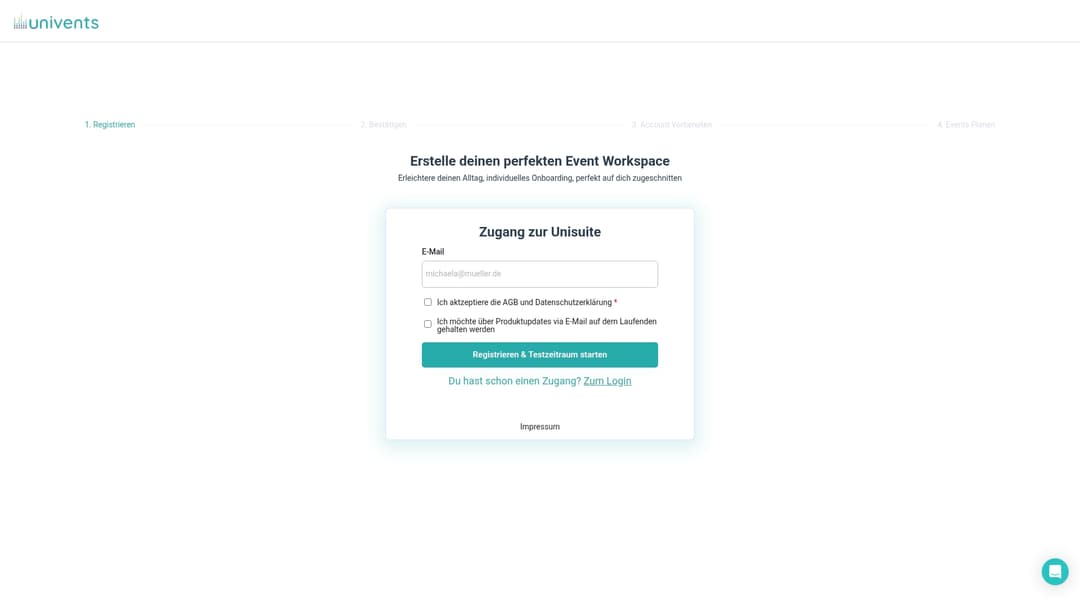
With Univents' communication and CRM hub, you keep every customer contact, vendor, and team conversation in one central place. Automated reminders, digital checklists, and real-time updates make manual back-and-forth unnecessary. Check out event planning software pricing and find the right plan for your business. Request a demo today and see how structured event schedule planning, paired with the right software, becomes a competitive advantage.
Frequently Asked Questions About Event Schedule Planning
What does buffer time mean in event schedule planning?
Buffer time is extra time — 15 to 20 percent — built into every agenda item to absorb delays and protect the overall schedule. According to the Event Run of Show Guide, buffer time and color-coding are essential for smooth-running events.
How does the 15-5-1 check work at events?
The 15-5-1 check calls for checks 15, 5, and 1 minute before every important agenda item, to guarantee everything runs smoothly. According to the Event Run of Show Guide, the 15-5-1 check should be carried out before every major agenda item.
What advantages do digital tools offer in event schedule planning?
Digital event management software automates tasks, improves control, and significantly boosts team communication. According to the Event Run of Show Guide, software solutions offer layered ROS, automated checklists, and communication features for professional event execution.
What happens if there are technical or weather-related problems?
With a contingency grid, you can put alternative plans for technical, weather, or VIP issues into action immediately and stay on schedule. According to the Event Run of Show Guide, a contingency grid as a Plan B for technical, weather, and VIP issues is indispensable.
Recommended Reading
- Event Planning Guide: An Efficient Path to a Successful Event
- Step-by-Step Event Planning: Efficient with Software
- Mastering Step-by-Step Staff Planning for Event Professionals
- Resource Planning for Events: Definition, Process, and Tips